Your Private, Offline AI Assistant.
Take notes and chat with a smart AI agent directly on your Android device. No cloud, completely private, and 100% free.
download
Local LLM on Phone: How to Benchmark Your On-Device AI
Gemma 3 1B processes a full page of text in under a second on a modern phone. The same model, running continuously for two minutes, may be operating at half that speed — because most benchmarks never test what happens after the first inference. Evaluating a local LLM on your phone means testing five dimensions, not just one.
Quick Answer: To benchmark a local LLM on your phone, measure throughput (tokens per second), time-to-first-token, power draw, and — critically — thermal throttling under sustained load. For phones under 4GB RAM, start with Gemma 3 1B (529MB) or MobileLLM (350M parameters, ~700MB). For 8GB+ devices, Phi-3 Mini 3.8B offers 68.1% MMLU accuracy with a 128K context window. Always use INT4-quantized versions and run tests for at least 5 minutes continuously.
A local LLM (on-device LLM) is a language model that runs entirely on your phone's hardware — using its Neural Processing Unit (NPU), GPU, or CPU — without sending any data to a remote server. All inference happens locally, meaning your data stays on the device, responses arrive in milliseconds, and the model functions without an internet connection.
AI-generated image
What Is a Local LLM and Why Run One on Your Phone?
On-device LLMs are compact language models designed to run natively on mobile hardware, using specialized components like Neural Processing Units (NPUs) to deliver AI capabilities without cloud dependency. As of 2026, billion-parameter models run in real time on flagship devices — a significant step from the earlier perception of on-device language models as toy demos.
The three practical advantages of running a local LLM on your phone:
Privacy — conversations never leave your device
Latency — on-device inference can generate tokens in under 20ms, compared to 200–500ms delays from cloud solutions
Reliability — the model works offline
Apple's on-device foundation language model is optimized for efficiency and tailored for Apple silicon, enabling low-latency inference with minimal resource usage. Google AI Edge introduced support for a dozen on-device small language models for Android, iOS, and Web as of May 2025, including Gemma 3 and Gemma 3n models that support text, image, video, and audio inputs.
The Five Metrics That Actually Matter
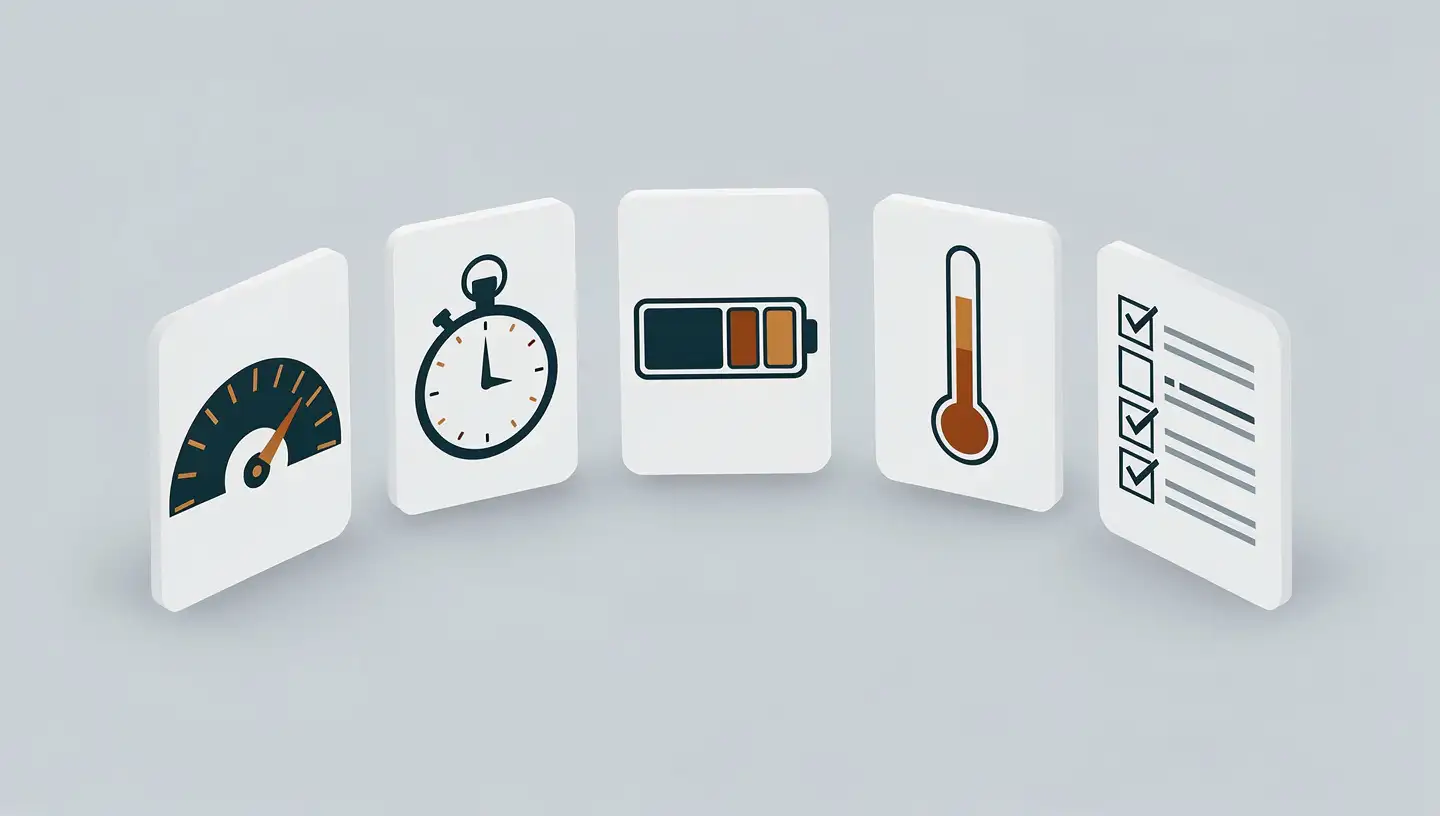
When evaluating a local LLM on your phone, four hardware metrics and one practical metric determine real-world usability.
AI-generated image
Throughput (Tokens per Second)
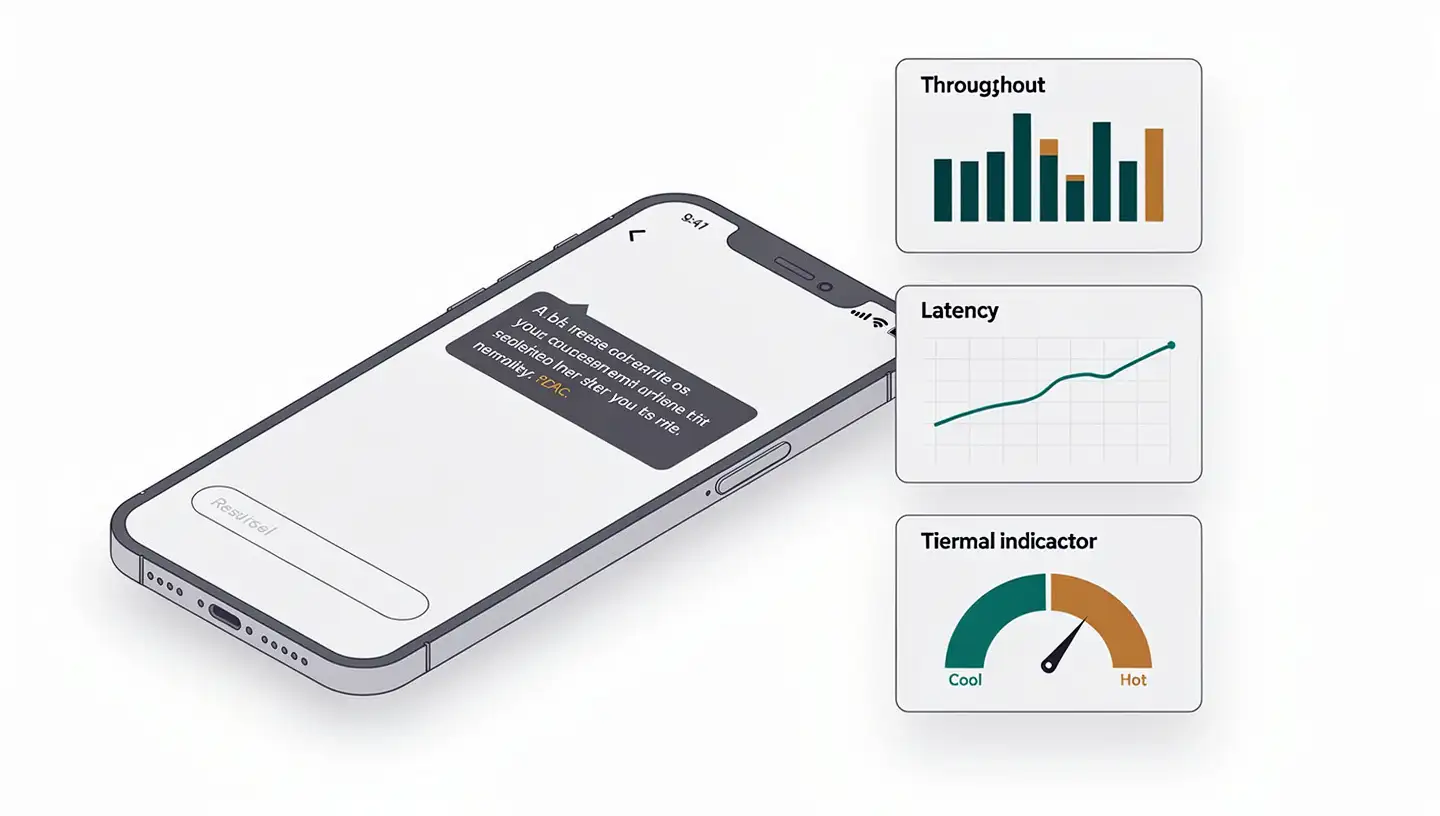
Throughput measures how fast the model produces output. Gemma 3 1B achieves up to 2,585 tokens per second on mobile GPUs. The Hailo-10H edge NPU sustains 6.9 tokens per second at under 2 watts — lower raw speed but remarkable energy efficiency. For interactive use, target at least 10–20 tokens per second.
Time-to-First-Token (Latency)
Time-to-first-token (TTFT) determines how quickly a response begins — the metric most responsible for whether a conversation feels natural. A TTFT below 100ms feels responsive; higher delays break the conversational rhythm. Measure it at short (10 words), medium (50 words), and long (200 words) prompt lengths.
Power Consumption
Power draw directly affects battery life. The Hailo-10H NPU's 6.9 tok/s at under 2 watts demonstrates how energy-efficient purpose-built silicon can be compared to general-purpose mobile GPUs running the same model.
Thermal Behavior Under Sustained Load
This is the metric most benchmarks skip. Thermal management is more critical than peak compute performance on mobile platforms: the iPhone 16 Pro loses nearly half its throughput within just two inference iterations under sustained LLM load. A model that peaks impressively but throttles after 90 seconds is not usable for extended tasks.
Task Accuracy on Your Use Cases
For many practical applications — summarization, simple Q&A, and basic code assistance — sub-1 billion parameter language models are effective, contradicting the earlier belief that at least 7 billion parameters were necessary for coherent text generation. Test on the specific tasks you care about, not just synthetic benchmarks.
Best Local LLM Models for Smartphones in 2026
Model | Parameters | Memory | Notable Strength |
|---|---|---|---|
EmbeddingGemma | 308M | <200MB RAM | On-device retrieval / search |
Gemma 3 1B | ~1B | 529MB | Up to 2,585 tok/s on mobile GPU |
MobileLLM | 350M | ~700MB | 120 tok/s, designed for mobile |
Gemma 2 2B | 2B | — | Instruction-following, 42.3% MMLU |
Qwen3.5-0.8B | ~800M | — | 200+ language and dialect support |
Phi-3 Mini 3.8B | 3.8B | 8GB RAM min | 68.1% MMLU, 128K context window |
Apple on-device | ~3B | — | Apple silicon optimized, 37.5% KV cache reduction |
Selection by device tier:
Under 4GB RAM — Gemma 3 1B (529MB) or MobileLLM (350M, ~700MB) are the practical choices. MobileLLM runs at 120 tokens per second with a low memory footprint; Gemma 3 1B handles a page of content in under a second.
8GB+ RAM — Phi-3 Mini 3.8B offers the best capability-to-performance ratio: 68.1% on MMLU with a 128K context window. It requires a minimum of 8GB RAM and 8GB storage.
Apple devices — Apple's ~3B parameter on-device model reduces KV cache memory usage by 37.5%, specifically improving time-to-first-token on Apple silicon.
Multilingual needs — Qwen3.5-0.8B supports 200+ languages and dialects.
Understanding Your Phone's Hardware: NPU, GPU, and TOPS
Mobile NPUs are approaching data center GPU capability for AI workloads. The Apple A19 Pro Neural Engine delivers approximately 35 TOPS (tera-operations per second); the Qualcomm Snapdragon 8 Elite Gen 5 reaches approximately 60 TOPS.
TOPS measures potential peak AI inferencing performance based on the architecture and frequency of the processor. To calculate TOPS: 2 × MAC unit count × frequency / 1 trillion. However, TOPS is a theoretical ceiling — real-world throughput depends heavily on software optimization and thermal headroom.
A counter-intuitive finding from community benchmarks: a 2022 Snapdragon 8 Gen 2 outperformed the 8s Gen 4 in some AI tests. Selecting a high-end SoC from a few years ago generally yields better LLM performance than the current generation mid-range chip. Optimized software libraries are as important as raw silicon — they determine how effectively the hardware is actually used.
Quantization: The Key to Running LLMs on Limited RAM
Quantization reduces model weight precision — for example, from 16-bit floats to 4-bit integers — significantly decreasing memory traffic per token and improving throughput for on-device LLMs.
Llama models are available in both INT8 and INT4 quantized representations, reducing memory footprint and computational cost while maintaining accuracy. INT4 is the standard recommendation for mobile deployment. The Qualcomm MX (Matrix Extension) instruction set accelerates transformer inference on mobile CPUs by providing specialized matrix instructions and support for low-precision data types, significantly improving LLM workload efficiency on Snapdragon devices.
Using llama.cpp, you can benchmark INT4 vs INT8 variants of the same model measuring time-to-first-token across different quantized versions on the same hardware.
How to Run an On-Device LLM Benchmark: Step-by-Step
Step 1: Identify your hardware
Check your phone's SoC specifications for NPU TOPS and available RAM. For Qualcomm devices, the Procyon AI benchmark translates theoretical TOPS to actual responsiveness by running six models at multiple precisions. For iOS devices, Apple Neural Engine specs appear in device teardown reviews.
Step 2: Prepare a controlled environment
Set battery level to 50–80% (to avoid power-saving throttling), start at room temperature, and close all background apps. On Android, enable developer options to monitor CPU/GPU frequency during tests.
Step 3: Run standardized throughput tests
Using llama.cpp, run consistent prompts across candidate models. Measure tokens per second over a minimum 100-token output. Repeat each test five times and average results to account for variance.
Step 4: Measure time-to-first-token at three prompt lengths
Run prompts at short (10 words), medium (50 words), and long (200 words) to understand how context window usage affects latency. This directly impacts the conversational feel of the model.
Step 5: Conduct the sustained thermal test
This is the step most guides skip. Run continuous generation for five or more minutes while monitoring throughput over time. The iPhone 16 Pro loses nearly half its throughput within two iterations — a degradation invisible to any single-inference benchmark.
Thermal Throttling: The Test Most Guides Skip
AI-generated image
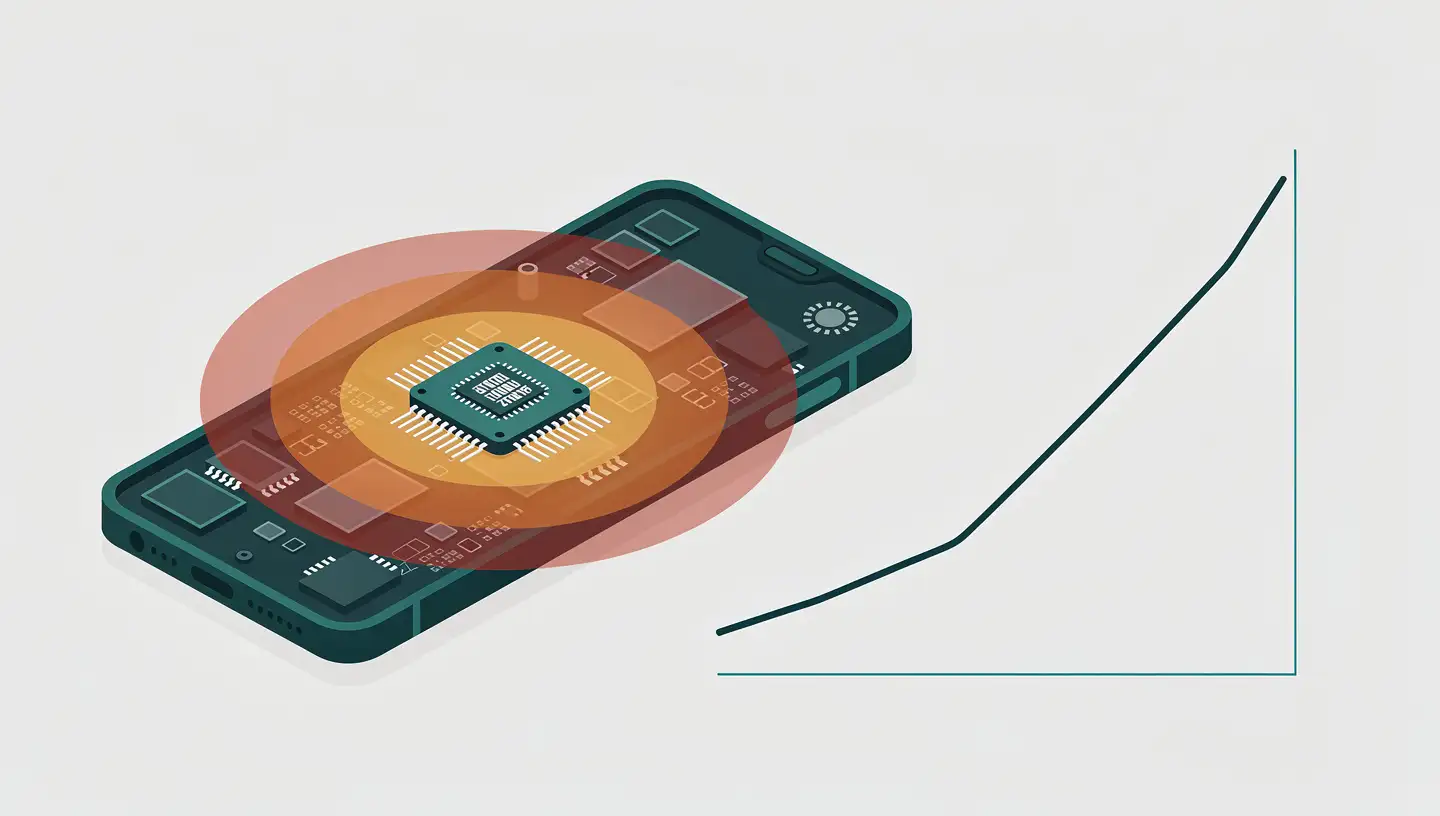
Existing benchmarks for mobile LLMs often focus on single-inference latency or peak performance, which misrepresents real-world usability. For mobile platforms, thermal management is more critical than peak compute capability.
The contrast across hardware is stark. The iPhone 16 Pro loses nearly half its throughput in just two iterations. The Hailo-10H NPU, by contrast, exhibits near-zero variance under sustained load — sustaining 6.9 tokens per second at under 2 watts, making it the most thermally stable option in the benchmark data, even if its absolute throughput is lower than smartphone GPUs.
For a complete picture: benchmark the Qwen 2.5 1.5B model across all four reference platforms from the arXiv 2026 study — Raspberry Pi 5 with Hailo-10H NPU, Samsung Galaxy S24 Ultra, iPhone 16 Pro, and a laptop with NVIDIA RTX 4050 GPU. The results must be interpreted as platform-level deployment characterizations for a specific model and prompt type, factoring both hardware and software constraints.
Limitations to Know Before Committing
Accuracy ceiling vs. cloud models. On-device models remain constrained by hardware. Cloud-based LLMs with tens or hundreds of billions of parameters will outperform mobile-optimized models in complex reasoning, knowledge depth, and creative tasks. Sub-1B models are effective for summarization and simple Q&A — not for multi-step reasoning or knowledge-intensive research.
Storage and RAM requirements. Phi-3 Mini 3.8B requires 8GB RAM and 8GB storage minimum. Devices under 4GB RAM are limited to smaller models. This excludes users on mid-range and older hardware from the most capable on-device options.
Thermal constraints affect real-world usability. As shown above, some flagship phones cannot sustain peak LLM performance for more than a few consecutive inference calls. Use cases requiring extended continuous generation — long document drafting, real-time translation streams — are more affected than short Q&A interactions.
Model update friction. Unlike cloud AI assistants that update silently, on-device models require downloading updated weights (often several gigabytes) and reinstalling. Staying current with model improvements and security patches requires deliberate effort.
Choosing the Right Local LLM for Your Phone
Here is a practical decision framework based on the data:
Under 4GB RAM — Gemma 3 1B (529MB, handles a page in under a second) or MobileLLM (350M parameters, ~700MB, 120 tok/s)
8GB+ RAM — Phi-3 Mini 3.8B for complex tasks (68.1% MMLU); Apple's on-device model for Apple silicon devices
Multilingual deployments — Qwen3.5-0.8B (200+ languages)
Embedding / retrieval tasks — EmbeddingGemma (308M params, <200MB RAM)
Always — Use INT4-quantized versions to maximize efficiency
Before committing — Run the 5-minute thermal throttling test for your specific device
Frequently Asked Questions
What is the best local LLM for smartphones in 2026?
For phones with 8GB+ RAM, Phi-3 Mini 3.8B scores 68.1% on MMLU with a 128K context window. For devices under 4GB, Gemma 3 1B (529MB) processes a page of text in under a second on mobile GPUs. Apple users benefit from Apple's dedicated ~3B parameter on-device model, which reduces KV cache memory usage by 37.5%.
How many tokens per second should a good on-device LLM achieve?
For real-time conversation, target at least 10–20 tokens per second — below that, text generation feels visibly slow. On-device inference can produce tokens in under 20ms each, compared to 200–500ms delays typical of cloud solutions. Gemma 3 1B achieves up to 2,585 tokens per second on mobile GPUs; dedicated edge NPUs like the Hailo-10H sustain 6.9 tokens per second at under 2 watts.
What does thermal throttling mean for local LLMs on phones?
Thermal throttling occurs when a phone's chip overheats and reduces clock speed to manage heat. The iPhone 16 Pro loses nearly half its token throughput within just two inference iterations under sustained LLM load. Always run a 5-minute continuous generation test before committing to a model to expose real-world throughput degradation that peak benchmarks hide.
How much RAM do I need to run a local LLM on my phone?
Phi-3 Mini 3.8B requires a minimum of 8GB RAM and 8GB storage. MobileLLM (350M parameters) runs in approximately 700MB, making it viable on phones with 2–4GB available RAM. Gemma 3 1B requires only 529MB. Use INT4-quantized versions to minimize memory footprint — Llama models in INT4 reduce memory traffic per token while maintaining accuracy.
Can I run a local LLM offline on my phone?
Yes — offline operation is one of the core advantages of running a local LLM on your phone. The model runs entirely on-device using your phone's NPU or GPU, with no network dependency. Once downloaded, all inference happens locally: your data never leaves the device, and responses arrive in under 20ms rather than the 200–500ms typical of cloud-based AI.
Conclusion
Evaluating a local LLM on your phone is a five-step process: identify your SoC's NPU capability, select candidate models matched to your available RAM, run standardized throughput and latency tests, monitor thermal behavior over five minutes of continuous generation, and validate accuracy on your actual use cases. Skip any one of these steps — especially the thermal test — and benchmark results will not reflect how the model actually behaves in daily use.
The on-device AI ecosystem is maturing quickly. As of 2026, the gap between a flagship phone and a data center GPU is closing at the inference layer, not just on paper. Start with a sub-1B model if RAM is constrained, upgrade as your hardware allows, and retest after every major OS or model update — thermal management behavior can change significantly between software versions.