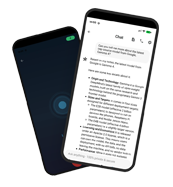
Your Private, Offline AI Assistant.
Take notes and chat with a smart AI agent directly on your Android device. No cloud, completely private, and 100% free.
download
Gemma Android App: Run Google's AI Offline on Your Phone
The Gemma Android app has crossed 1 million downloads on Google Play. The pitch: a powerful AI assistant that runs entirely on your phone — no cloud round-trips, no subscription, no data leaving the device.
TL;DR: The Gemma Android app (distributed as Google AI Edge Gallery) runs Google's open-source Gemma 4 AI models locally on your phone. It is free, works fully offline, and keeps all inference on-device. The trade-off: smaller models cannot match GPT-4 or Claude on raw reasoning, and the larger variant runs best on flagship hardware.
AI-generated image
Important — two different apps with similar names: This guide covers Google AI Edge Gallery, Google's official open-source app. A separate third-party app called "Gemma AI" by Epitech Solutions exists on the Play Store and provides AI-powered phone-call reminders — it is a completely different product and is not covered here.
What Is the Gemma Android App?
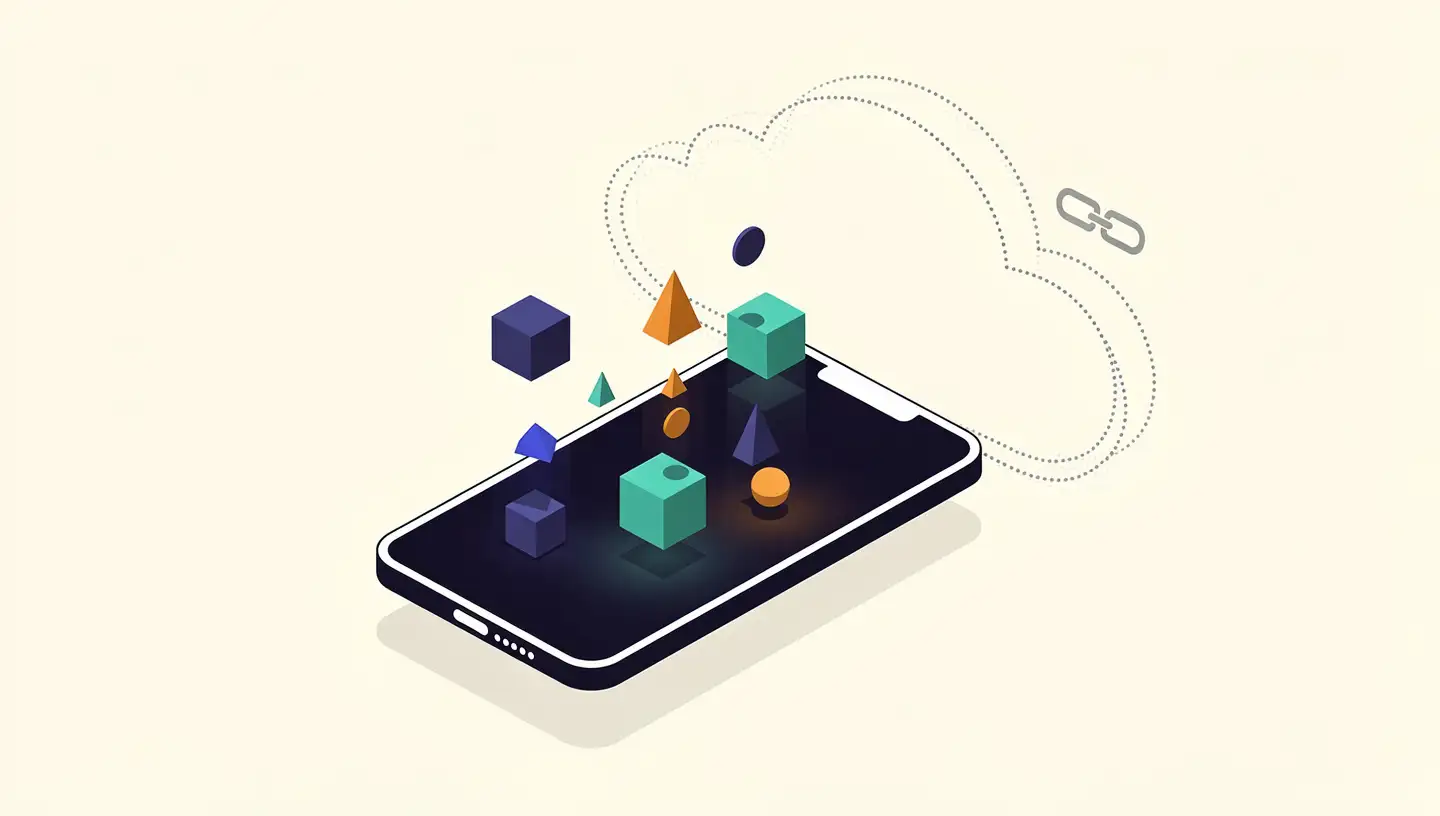
The Gemma Android app is an official open-source app from Google that runs the Gemma family of AI models directly on Android devices, without sending data to cloud servers. All inference happens locally on the phone, which means the app works offline, costs nothing to run, and keeps user data on-device by design.
The app is distributed in two ways: through Google Play (as Google AI Edge Gallery) and via an APK released on GitHub for advanced users. After installing the app, users download one of the available Gemma models from Hugging Face — a free Hugging Face account is required for model downloads.
Key Features and AI Capabilities
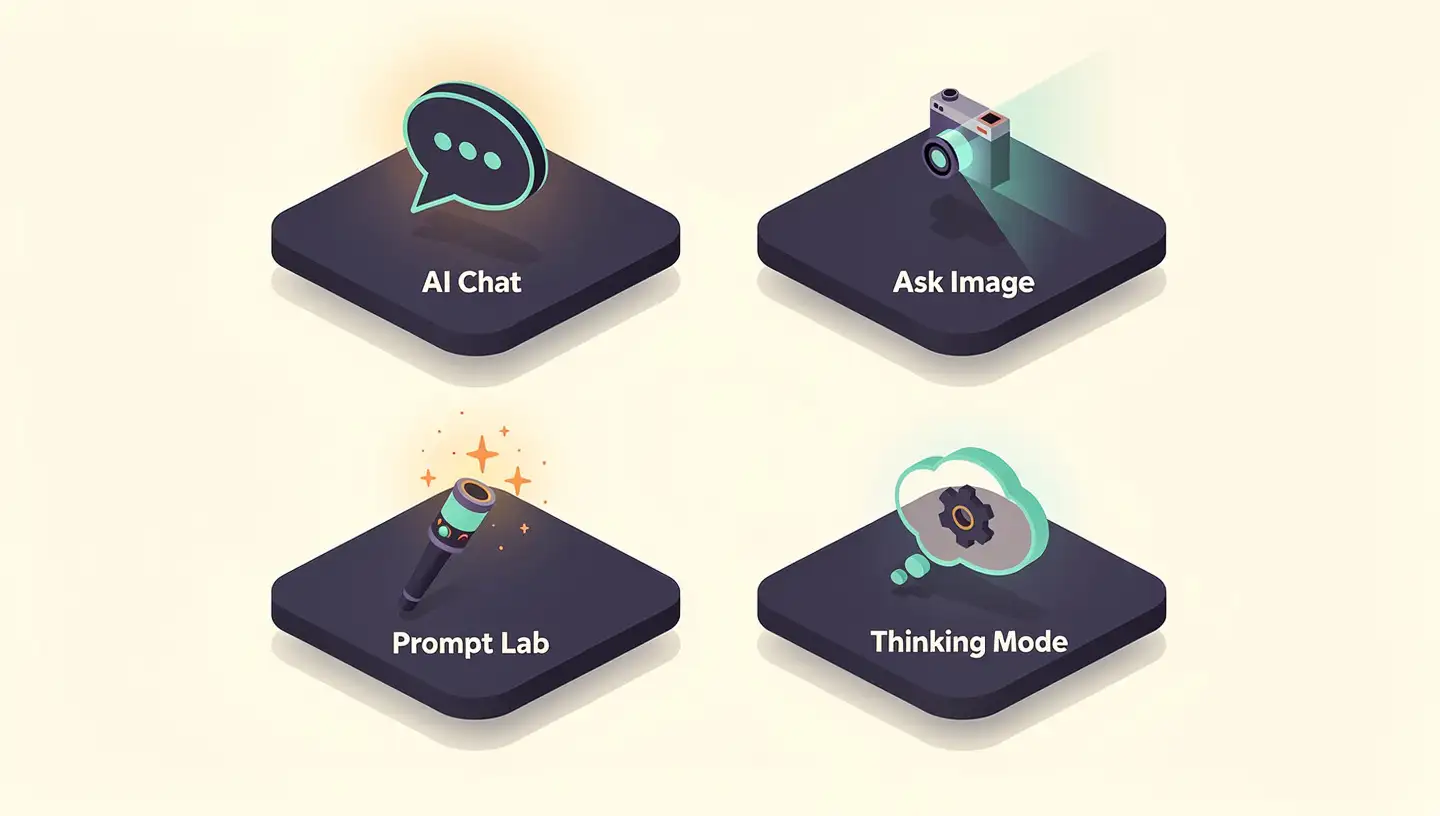
The app exposes several on-device features that share a single underlying engine — a Gemma model running natively on the phone.
AI Chat with Thinking Mode
The AI Chat feature handles fluid, multi-turn conversations powered by the locally-running Gemma 4 model. The new Thinking Mode shows the model's reasoning process in real time, letting you watch it work through a problem rather than just see the answer.
Ask Image (multimodal vision)
Ask Image uses the device's camera or photo gallery to identify objects and solve visual puzzles — a hands-on demonstration of Gemma's multimodal vision support. All image analysis happens on-device.
Prompt Lab
Prompt Lab is the experimentation surface: users can write custom prompts, tune model parameters, and evaluate performance across different prompt templates.
Agentic capabilities
The latest Gemma 4 model adds built-in function-calling, which makes autonomous agents possible without a cloud roundtrip. A community example is PokeClaw, the first working Android app that uses Gemma 4 to autonomously control a phone fully on-device — tapping, typing, and acting through Android's Accessibility Service, without any cloud API. Another developer built a real-time camera assistant using Gemma 3n that describes what the phone sees and can trigger actions (emails, API calls) based on what it observes — 100% locally.
AI-generated image
How to Install the Gemma Android App
Installation is straightforward:
Install the app. Download Google AI Edge Gallery from the Google Play Store. Advanced users can install the APK directly from GitHub instead.
Create a free Hugging Face account. Model downloads are hosted on Hugging Face and require a free account.
Download a Gemma model. From inside the app, pull down one of the available Gemma variants (Gemma 3n or Gemma 4). The download size depends on the variant.
Start using it. Once a model is loaded, everything runs locally — no signup, no subscription, no internet required after the initial download.
Technical Specifications and On-Device Processing
Under the hood, Gemma on Android relies on the MediaPipe LLM Inference API, which handles text-to-text generation tasks like information retrieval, email drafting, and document summarization entirely on-device.
The current Gemma 4 family is built around these specs:
Spec | Detail |
|---|---|
Modalities | Text, image, audio, and video input |
Context window | Up to 256K tokens |
Parameter sizes | E2B (speed-tuned) and E4B (reasoning-tuned); plus larger 31B and 26B A4B variants for heavier hardware |
Speed vs. predecessor | Up to 4× faster than the previous generation |
Battery use | Up to 60% less battery than the previous generation |
Languages | 140+ |
Architecture trick | Per-Layer Embeddings (PLE) — maximizes parameter efficiency without adding layers |
System prompt support | Native, for structured and controllable conversations |
The E2B model is roughly 3× faster than E4B, while E4B is designed for higher reasoning power — pick by your priority, not just your phone's RAM.
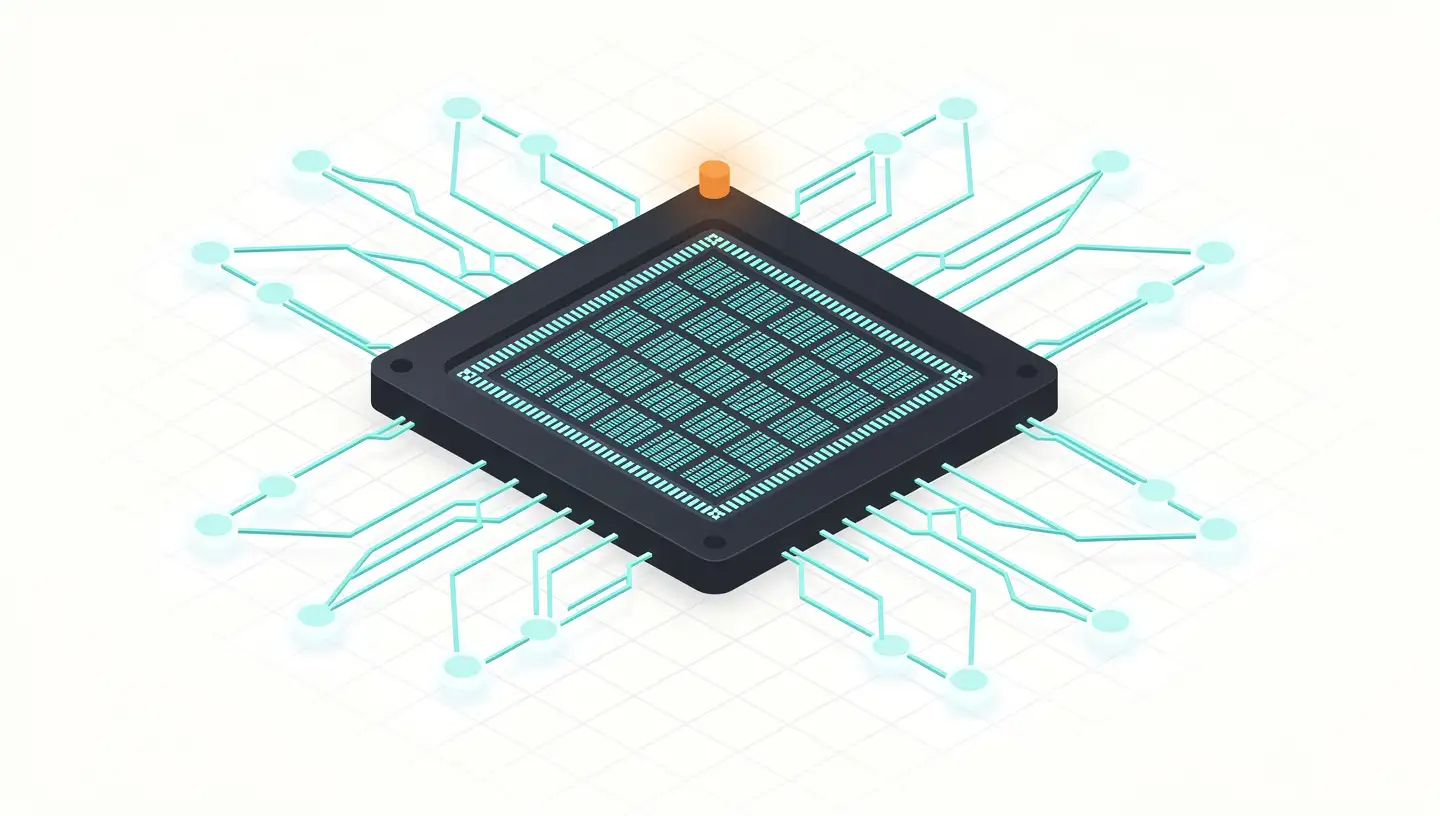
NPU Explained: How Neural Processing Units Power AI
NPUs are specialized chips built for AI workloads. Learn how Neural Processing Units differ from CPUs and GPUs, who makes them, and why they matter in 2026.
Gemma vs. ChatGPT vs. Claude
The right comparison isn't "which model is best" — it's "which one fits the workload." Cloud and on-device assistants solve different problems.
Feature | Gemma (Google AI Edge Gallery) | ChatGPT (OpenAI) | Claude (Anthropic) |
|---|---|---|---|
Offline operation | ✅ Yes (100% on-device) | ❌ Cloud only | ❌ Cloud only |
Privacy | ✅ All data stays on the device | ⚠️ Data sent to cloud | ⚠️ Data sent to cloud |
Model size | 2B–4B parameters | 100B+ parameters | 100B+ parameters |
Cost | Free | Subscription | Subscription |
Multimodal | ✅ Text, image, audio, video | ✅ Text, image, audio | ✅ Text, image, audio |
Context window | Up to 256K | Up to 200K | Up to 200K |
Real-time web | ❌ Fixed knowledge | ✅ Browse | ✅ Browse |
Gemma has carved out a niche in domain-specific use cases — particularly medicine, law, and finance — because it has been trained on specialized datasets and is designed to meet regulatory standards such as HIPAA. That makes it a credible option for sensitive industries that cannot send data to a third-party cloud.

AI-generated image
Limitations and Trade-offs
The honest version of the pitch:
Smaller models, smaller reasoning ceiling. On-device Gemma variants in the 2B–4B range cannot match GPT-4 or Claude on complex multi-step reasoning, and they carry a fixed knowledge cutoff from training.
Hardware-sensitive. Older or lower-end Android phones may see slow inference, thermal throttling, and faster battery drain — especially with the E4B model.
No real-time information. Without an internet roundtrip, there is no live web search and no awareness of news or data published after the model's training cut-off.
Initial model download. Each Gemma variant is a several-GB download and requires storage headroom on the phone.
For everyday on-device tasks — private chats, image recognition, code assistance, agentic workflows — these limits rarely bite. For frontier reasoning or up-to-the-minute information, the cloud still wins.
Gemma 4 in Android Studio: On-Device Coding Assistance
Gemma 4 is not just an end-user app — it ships as a recommended local model inside Android Studio for agentic coding tasks. The integration is built around the same on-device principle:
Local code assistance. Gemma 4 handles bug fixing, refactoring, and feature scaffolding by processing requests locally in response to high-level developer commands.
Privacy by default. All Agent Mode requests are processed locally, so source code never leaves the developer's machine.
No usage quotas. Because Gemma 4 runs locally, there are no API rate limits or cloud bills — useful for complex workflows that would otherwise burn through cloud quotas.
Offline development. Developers can keep writing code and using AI assistance without an internet connection.
To wire it up, install the latest Android Studio plus a local LLM provider (LM Studio or Ollama), then point Android Studio at the local model. Once connected, every IDE interaction is powered entirely by the local model.
Frequently Asked Questions
What is the Gemma Android app?
The Gemma Android app — distributed as Google AI Edge Gallery — is an official open-source app from Google that runs the Gemma family of AI models directly on your phone. It is free, works offline, and processes all inference on-device with no data sent to the cloud.
Is the Gemma Android app free?
Yes. The app is completely free, with no subscription, no usage quotas, and no API keys required for its core features. It is open source and available through Google Play and GitHub. Note: this is Google's official app, not the unrelated third-party "Gemma AI" reminder app.
Does the Gemma Android app work offline?
Yes. The Gemma Android app performs all model inference locally on your phone. Once a model is downloaded, chats, image recognition, and agentic tasks all work without WiFi or cellular data.
How is Gemma different from ChatGPT or Claude on Android?
Gemma runs on-device with small 2B–4B parameter models — free, offline, and private. ChatGPT and Claude run on cloud servers with much larger models and more raw reasoning power, but require internet access, send data off-device, and charge by subscription.
What devices can run the Gemma Android app?
Modern Android phones with a recent flagship or upper-mid-range chipset. The smaller Gemma 4 E2B model is tuned for speed and works on a wider range of devices; the larger E4B model is built for reasoning power and is best on flagship hardware.
Conclusion
The Gemma Android app is the cleanest public demonstration of what on-device AI looks like in 2026: free, offline, private, and powerful enough for real workloads — from private chats to multimodal vision to autonomous agents like PokeClaw. The ceiling is still lower than cloud-frontier models, and the larger variants want flagship silicon, but the gap is closing every generation.
If you want to try it: install Google AI Edge Gallery from Google Play, download a Gemma 4 model, and run a chat or Ask Image session entirely offline. For developers, the Android Studio integration is the next stop — same model, different surface.
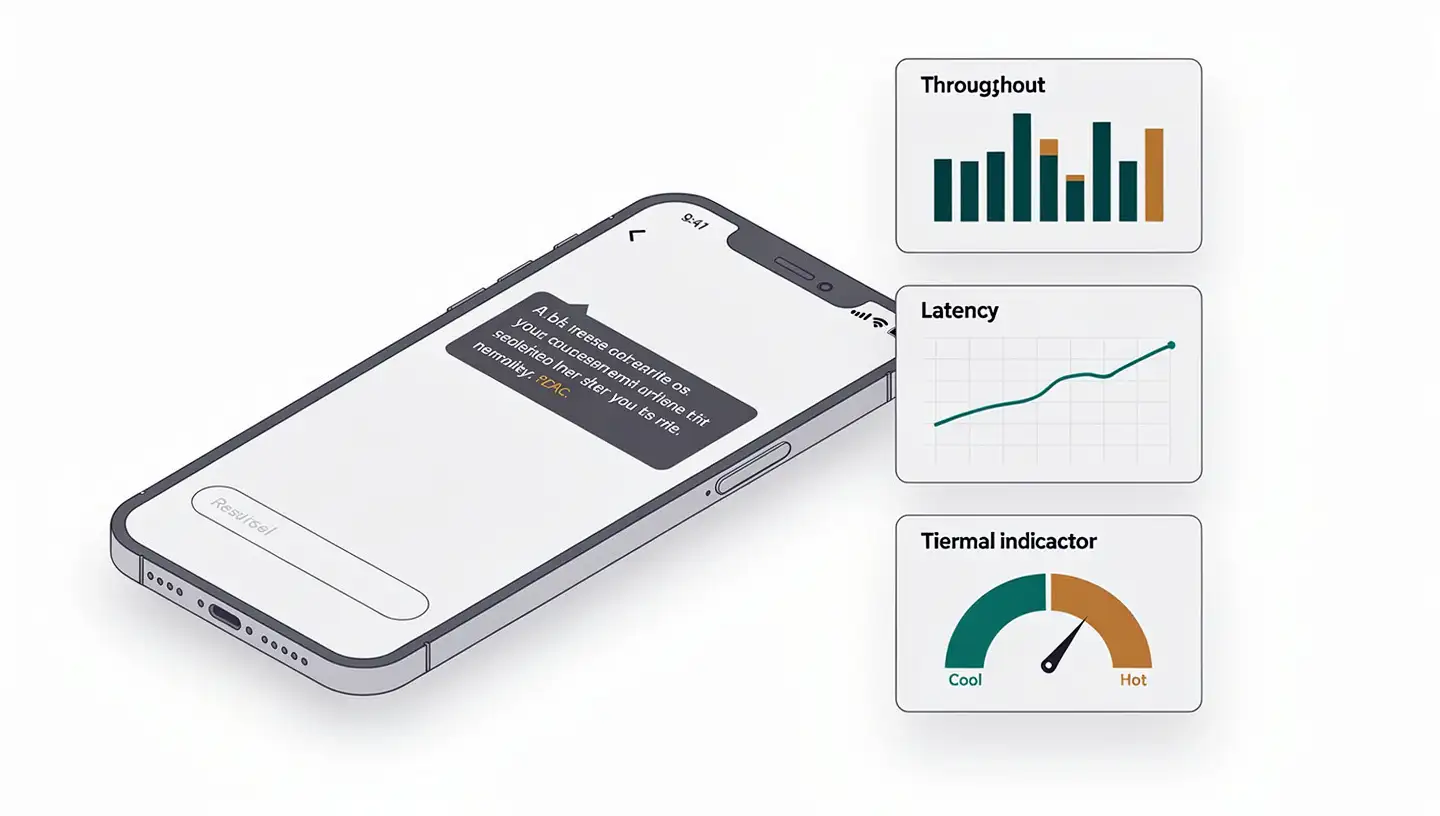
Local LLM on Phone: How to Benchmark Your On-Device AI
Learn how to benchmark local LLMs on your phone: throughput, latency, thermal throttling, and a complete model selection guide for Android and iPhone.