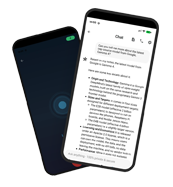
Your Private, Offline AI Assistant.
Take notes and chat with a smart AI agent directly on your Android device. No cloud, completely private, and 100% free.
download
On-Device AI on Android: Build Your Private Brain Stack
Humans lose roughly 50% of newly learned information within an hour and most of the rest within a week. A private brain on Android — a personal knowledge base augmented by on-device AI — is one of the few setups that can keep up with the volume: capturing, organising, and connecting your knowledge entirely on your device, without sending data to any server.
Quick Answer: A private brain on Android is a personal knowledge base that runs entirely on your device, augmented by on-device AI for summarisation, search, and synthesis. The 2026 stack: Trilium Notes (or a similar local-first PKMS) for hierarchical, encrypted storage; a small language model — Gemma 4, Phi-4-mini, or Qwen3.5 — running via PocketPal AI or llama.cpp; and Android's ML Kit GenAI APIs for voice transcription and OCR. No data leaves the device.
A private brain is a personal knowledge base system that stores, organises, and retrieves your notes, voice memos, and documents entirely on your own device — augmented by AI that runs locally and never transmits your data to a cloud service.
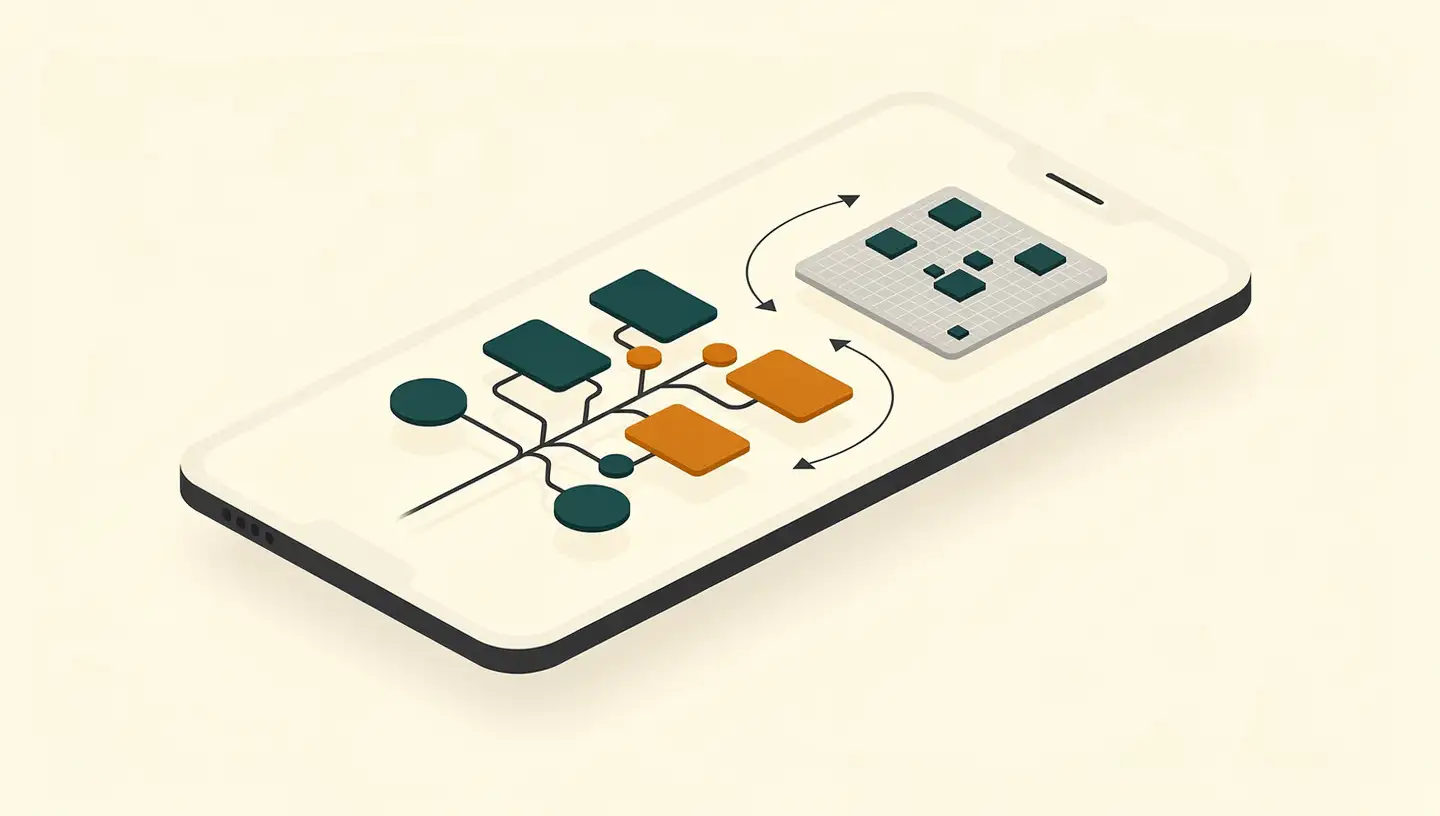
AI-generated image
What Is a Private Brain? Personal Knowledge Bases Meet On-Device AI
A personal knowledge base is, in plain terms, a central repository of knowledge where individuals catalogue and organise information they've collected over the years — making it easily searchable and referenceable. The "private brain" framing adds a constraint: the whole system runs on-device, with no cloud sync, no third-party AI APIs, and no telemetry.
The psychology behind keeping such a system matters more than the technology. The Forgetting Curve — Hermann Ebbinghaus's model from psychology — illustrates that humans lose 50% of new information within an hour and the remainder within a week. A well-designed private brain counteracts that decay by enabling consistent capture, review, and synthesis of stored knowledge.
This concept is evolving. Academic work tracking the "second brain" lineage notes that the integration of personalised AI is taking the concept to a new level — transforming a passive information store into an active personal companion that can help manage tasks and decisions. As researchers put it, we are entering "The Intelligence Age," where AI companions become advanced cognitive tools for augmenting human intelligence.
Modern PKMS apps capture this shift. TheBrain 15 introduces agentic AI with up to 5× faster performance on a unified interface, scaling to millions of items with AES 256-bit encryption — and supporting standalone use with zero cloud storage. Trilium Notes is a free and open-source hierarchical note-taking application designed for large personal knowledge bases, with strong per-note encryption and self-hosted sync support.
The pain point that drives people toward an on-device approach is well documented. Users on r/PKMS report that the complexity of configuring tools like Notion, Obsidian, and Capacities often overshadows the actual productive writing — and that mobile experiences in particular fall short. On-device AI changes this calculus: the AI can do the organisational heavy lifting, freeing users to capture raw material now and refine it later.
Why Android Is a Natural Platform for Private Brains
Android is the world's most widely used mobile operating system, and Google has been steadily expanding the on-device AI surface available to developers.
ML Kit GenAI APIs let developers leverage Gemini models for on-device AI features in their Android apps — faster processing and improved user interactions without cloud calls
Gemini Nano powers offline-capable features like the Google Pixel voice recorder, which generates summaries from recordings entirely on-device
AppFunctions Android API lets apps act like on-device servers, processing AI tasks locally rather than relaying to the cloud
Gemma 4 — Google's latest open model — enables local agentic intelligence on Android, with advanced reasoning suitable for knowledge-base workflows
ML Kit ships with mobile-optimised built-in models for common tasks (OCR, speech-to-text, summarisation) usable without machine-learning expertise
Combine that with hardware: the rise of high-performance mobile processors — Google Tensor and Apple Neural Engine being the headline examples — has put real AI compute in users' pockets. IDC projects that the growth of GenAI smartphone shipments will rise 73.1% year-over-year in 2025, driven by user demand for privacy and chip capability for running sophisticated AI models locally. Modern NPUs can deliver 30+ tera-operations per second — see our Neural Processing Unit explainer for how the silicon actually works.
Apple has been pushing the same envelope in parallel. Apple's on-device foundation language model is optimised for Apple silicon, enabling low-latency inference with minimal resource usage. The model is a roughly 3-billion-parameter compact LLM specifically designed for efficient on-device processing, complemented by a vision encoder that aligns image features with the LLM's token representations for multimodal personal knowledge management. While this guide focuses on Android, the cross-vendor competition keeps the on-device toolchain moving forward.
Small Language Models for Mobile: A Comparison
Small Language Models (SLMs) typically range from 1 million to 10 billion parameters — built for resource-constrained environments through techniques like knowledge distillation, pruning, and quantization. As of 2026, SLMs under 10 billion parameters significantly match larger models on specific business tasks while running efficiently on mobile hardware.
Model | Parameters | RAM (4-bit) | Languages | Multimodal |
|---|---|---|---|---|
Qwen3.5-0.8B | ~0.8B | ~2GB | Multilingual | Yes (text, image, video) |
Gemma-3n-E2B-IT | ~2B | — | 140+ | Yes (text, image, audio, video) |
Gemma 4 E2B/E4B | ~2B / ~4B | ~5GB | Multi | Yes (text, image, video; 30s audio input) |
Phi-4-mini | ~3B | 4–6GB | English-focused | Text only |
Phi-4-multimodal | ~3B | 6–8GB | English-focused | Yes (speech, vision, text) |
Notes on each:
Qwen3.5-0.8B (Alibaba) — a compact multimodal model from the Qwen family that handles text, images, and video. Strong choice for mid-range phones and for multilingual knowledge bases.
Gemma-3n-E2B-IT (Google DeepMind) — instruction-tuned, multimodal, built for on-device and low-resource deployments. Supports text, image, audio, and video inputs with text outputs; 140+ language coverage.
Gemma 4 — Google's 2026 release; the E2B and E4B variants run on modern smartphones with about 5GB of RAM at 4-bit quantization, with native audio input up to 30 seconds.
Phi-4 family (Microsoft) — Phi-4-mini for text tasks; Phi-4-multimodal integrates speech, vision, and text. Designed to run efficiently in resource-constrained environments.
Phi-3.5 Mini — earlier-generation Microsoft model, optimised for reasoning and code generation; useful for knowledge synthesis tasks.
Beyond compliance with privacy regulations, retaining data on-device and eliminating third-party API transmissions also makes these models attractive for highly regulated sectors like healthcare, finance, and legal. For a deeper benchmark-driven walkthrough of choosing a model for your specific phone, see our local LLM on phone benchmark guide.
Open Source Apps for Running Local AI on Android
The ecosystem for running local AI on Android has matured significantly. A few entry points worth knowing:
PocketPal AI — an intuitive interface for interacting with SLMs directly on smartphones, with offline access for drafting, brainstorming, and similar tasks. A good no-friction starting point for users new to on-device models.
llama.cpp — pure C/C++ inference framework that powers many Android applications running local LLMs. Foundational, widely supported, and the reference implementation for most quantized model loading.
Sherpa — an Android frontend for Meta's LLaMA model, enabling local processing for chat-style workflows.
Off Grid — an open-source React Native app that supports on-device LLM chat and vision models.
Awesome Mobile LLMs — a curated GitHub repository listing LLMs, frameworks, and studies aimed specifically at mobile and embedded hardware. Useful for tracking what's new and what's actually shipping.
For end-to-end personal-knowledge-base workflows, the natural pairing is Trilium Notes (hierarchical local storage with per-note encryption and self-hosted sync) plus one of the local-inference apps above. Trilium can hold the notes; the SLM can summarise, search, and connect them on demand. For adding semantic search over those notes — letting you ask natural-language questions and get grounded answers — see our on-device RAG primer, which walks through the retrieval-and-generation pipeline that completes the private-brain stack.
Building the Private Brain Stack: Storage + AI + Workflow
A working private brain on Android needs three layers: a knowledge store, a local inference engine, and a workflow that connects them.
Layer 1 - Local knowledge store
The store is where notes, transcripts, and document captures live. Trilium Notes fits the bill on the desktop side and via its self-hosted sync; on mobile, a local-first PKMS with strong encryption is the right choice. The properties that matter:
Notes organised in arbitrarily deep trees, so a complex personal taxonomy is possible
Per-note encryption for sensitive material
Self-hosted sync as an opt-in, not a default — keeps data on devices you control
A rich editor that handles tables, images, and inline media without forcing you to upload anything
Layer 2 - Local inference engine
The inference engine is the SLM running on the phone via PocketPal, llama.cpp, or a custom app. Match model to device:
Phones with 2–4GB of available RAM — Qwen3.5-0.8B or other sub-1B models
Phones with 5GB+ RAM — Gemma 4 E2B or Phi-4-mini at 4-bit quantization
Phones with 8GB+ RAM and a modern NPU — Phi-4-multimodal or Gemma 4 E4B for richer multimodal workflows
Prefer 4-bit quantization unless you specifically need higher fidelity; the memory and battery savings are significant for the same workload.
Layer 3 - Workflow
The workflow is the glue. The basic loop for a private brain:
Capture raw material — articles, voice memos, screenshots, web clips — directly into the store
Run on-device transcription (ML Kit) and OCR on incoming media so everything becomes searchable text
Periodically summarise long notes with the local SLM and store the summary inline with the original
Use the SLM as a query engine — "what did I save about X?" — over your local index
Review and refine: the AI proposes connections; you accept, reject, or restructure
Android automation tools (Tasker, Automate, MacroDroid) can wire this together so capture and processing are largely automatic. The specific integration depends on which local inference app you choose and what scripting interfaces it exposes — check the app's own documentation before committing to a particular integration pattern.
Architecture at a glance
┌───────────────────────────────────────────────────────────────┐
│                  PRIVATE BRAIN ARCHITECTURE                   │
├───────────────────────────────────────────────────────────────┤
│                                                               │
│  ┌──────────┐    ┌──────────────┐    ┌──────────────────┐    │
│  │  Voice   │    │  Text / Notes│    │  Images / Docs   │    │
│  │  Input   │    │  Import      │    │  Import          │    │
│  └────┬─────┘    └──────┬───────┘    └────────┬─────────┘    │
│       ▼                 ▼                     ▼               │
│  ┌────────────────────────────────────────────────────────┐   │
│  │           ON-DEVICE PROCESSING LAYER                   │   │
│  │  • Speech-to-Text (ML Kit)                             │   │
│  │  • OCR (ML Kit)                                        │   │
│  │  • Summarisation (Gemma / Phi / Qwen via llama.cpp)    │   │
│  └────────────────────────┬───────────────────────────────┘   │
│                           ▼                                   │
│  ┌────────────────────────────────────────────────────────┐   │
│  │           KNOWLEDGE STORAGE LAYER                      │   │
│  │  • Local PKMS (Trilium Notes or equivalent)            │   │
│  │  • Per-note encryption                                 │   │
│  │  • Local index                                         │   │
│  └────────────────────────┬───────────────────────────────┘   │
│                           ▼                                   │
│  ┌────────────────────────────────────────────────────────┐   │
│  │           AI QUERY LAYER                               │   │
│  │  • Context-aware retrieval over local notes            │   │
│  │  • Answer generation from local knowledge              │   │
│  │  • Suggested connections between notes                 │   │
│  └────────────────────────────────────────────────────────┘   │
│                                                               │
└───────────────────────────────────────────────────────────────┘
Every block in this diagram runs on the phone. Nothing leaves the device.
Privacy and Security Benefits
The privacy benefits of a private brain are not marginal — they are structural. Three concrete properties:
No transmission, no transit-time breach risk. Local AI processes sensitive information directly on the device, minimising the risk of data breaches and supporting compliance with privacy regulations such as GDPR and HIPAA. Edge AI mobile apps process sensitive data directly on the device, eliminating cloud-hack data breaches as an exposure vector.
Biometric and authentication data stays on the device. On-device AI can process biometric identification locally, preventing that data from being sent to the cloud and reducing the risk of unauthorised access.
Functional independence from the network. Local AI works offline — useful in remote locations and any context where connectivity is unreliable or actively undesirable.
For regulated sectors, the architectural alignment is especially clean. Retaining all data on-device and eliminating third-party API transmissions makes compliance much easier to demonstrate for applications in healthcare, finance, and legal — where the question "where did the data go?" has a single-word answer: nowhere.
The structural privacy story also has a market signal behind it. IDC's projection that GenAI smartphone shipments will rise 73.1% year-over-year in 2025 is partly driven by exactly this dynamic: users wanting AI features without sending their data to a vendor's cloud.
Limitations and Trade-Offs
On-device AI is not a free lunch. Four practical constraints to plan for:
Battery drain and thermal throttling. Running on-device AI imposes substantial demands on GPU, CPU, and memory — significantly increasing power consumption. Sustained sessions also generate heat, and most phones will reduce clock speeds to prevent damage. Expect noticeable slowdowns after several minutes of continuous inference, and warm-to-the-touch devices during heavy use.
Storage for model files. A single quantized SLM file is non-trivial — typically a few gigabytes — and a multimodal SLM with larger parameter counts can be significantly larger. Phones with tight internal storage may need careful housekeeping, especially once knowledge-base data and media files are added.
RAM as the binding constraint. Older devices may struggle to run inference while keeping the knowledge-base app responsive. Realistically, mid-range to flagship Android devices from the last two years are the comfortable target; below that, expect slower load times and the occasional app-switch hiccup.
Capability ceiling. SLMs under 10 billion parameters are remarkable, but they cannot match cloud LLMs on complex reasoning, very long contexts, or access to real-time web information. For research-heavy tasks where you genuinely need a frontier model, expect to switch back to a cloud option for that specific task.
Setup complexity. Tools like PocketPal AI simplify the basics, but a full private-brain stack — local PKMS, local model, workflow automation — still demands more setup attention than installing a single cloud app. The reward is real, but the friction is real too.
Update overhead. Local models update manually. New SLM releases, security patches for the inference engine, and PKMS app updates all require deliberate user action — unlike cloud AI that updates silently in the background.
Frequently Asked Questions
What is a private brain and why build one on Android?
A private brain is a personal knowledge base that lives entirely on your device. Building it on Android with on-device AI means your notes, voice memos, and documents stay local — augmented by AI that summarises, searches, and connects ideas without sending any data to a cloud server. Privacy is built in by architecture, not policy.
Which small language model works best on Android?
For mid-range Android devices, Qwen3.5-0.8B (≈2GB RAM, multimodal) is a strong starter. For phones with 5GB+ RAM, Google's Gemma 4 E2B/E4B at 4-bit quantization runs natively and supports 140+ languages. Microsoft's Phi-4-mini is text-focused but efficient. Phi-4-multimodal adds vision and speech for richer knowledge-base workflows.
Do I need a flagship phone to run on-device AI?
You can run smaller SLMs like Qwen3.5-0.8B on phones with 2GB available RAM. Larger models like Gemma 4 (E2B/E4B at 4-bit quantization) need around 5GB of RAM. Phones with dedicated NPUs capable of 30+ TOPS deliver the smoothest experience, but capable Android phones from the last two years usually suffice.
Is on-device AI on Android really more private than cloud AI?
Yes. When AI runs entirely on the device, sensitive information never leaves it — eliminating breach risk during transmission and aligning with GDPR and HIPAA. Local processing also means biometric data and personal queries stay on your phone. The trade-off: model updates require manual download, and you lose real-time web access.
What are the main trade-offs of an on-device knowledge base?
Three main trade-offs: cross-device sync requires technical setup (self-hosted server), unlike automatic cloud sync; real-time information access is limited because local SLMs don't search the web; and battery drain and thermal throttling during sustained AI processing reduce continuous use compared to offloading to a remote server.
Conclusion
The tools to build a private brain on Android exist today, and they're capable. Google's ML Kit and Gemma 4 models, combined with open-source frameworks like llama.cpp and friendly apps like PocketPal AI, make sophisticated on-device AI accessible to anyone willing to spend an evening setting it up. Pair that with a local PKMS like Trilium Notes, and you have a knowledge system that captures, organises, and synthesises your thinking — without sending a single byte to a third party.
The trade-offs are real: setup time, model storage, battery drain, the loss of real-time web access, and the manual overhead of staying current. But the structural property the private brain delivers — your knowledge, on your device, indexed and queryable by AI that runs locally — is unmatched by any cloud alternative on the privacy axis. As regulatory scrutiny intensifies and users grow more aware of what cloud AI does with their inputs, the on-device approach is moving from niche choice to mainstream option.
The hardware is here. The models are here. The frameworks are here. The remaining work is building the stack — and using it.