Your Private, Offline AI Assistant.
Take notes and chat with a smart AI agent directly on your Android device. No cloud, completely private, and 100% free.
download
Searchable Voice Memos: On-Device Transcription + RAG
Speech is processed at 150–180 words per minute. Typing maxes out at 80–120. Voice is structurally the faster input — and yet most voice memos sit unsearchable on phones, retrievable only by listening through hours of audio. On-device transcription paired with retrieval-augmented generation (RAG) closes that gap entirely, turning voice memos into a queryable knowledge base without sending a single byte to the cloud.
Quick Answer: On-device voice transcription converts your audio into text using Whisper or similar models that run locally on your phone — no audio uploaded. Adding RAG on top lets you ask natural-language questions across your transcripts and get grounded answers. The 2026 stack: Whisper Transcription, On-Device AI: TTS/STT, AI Voice Recorder, and EchoFind — all keep audio and transcripts on the device. Voice runs at 150–180 wpm versus 80–120 wpm typing, making it the faster input method once you can search what you said.
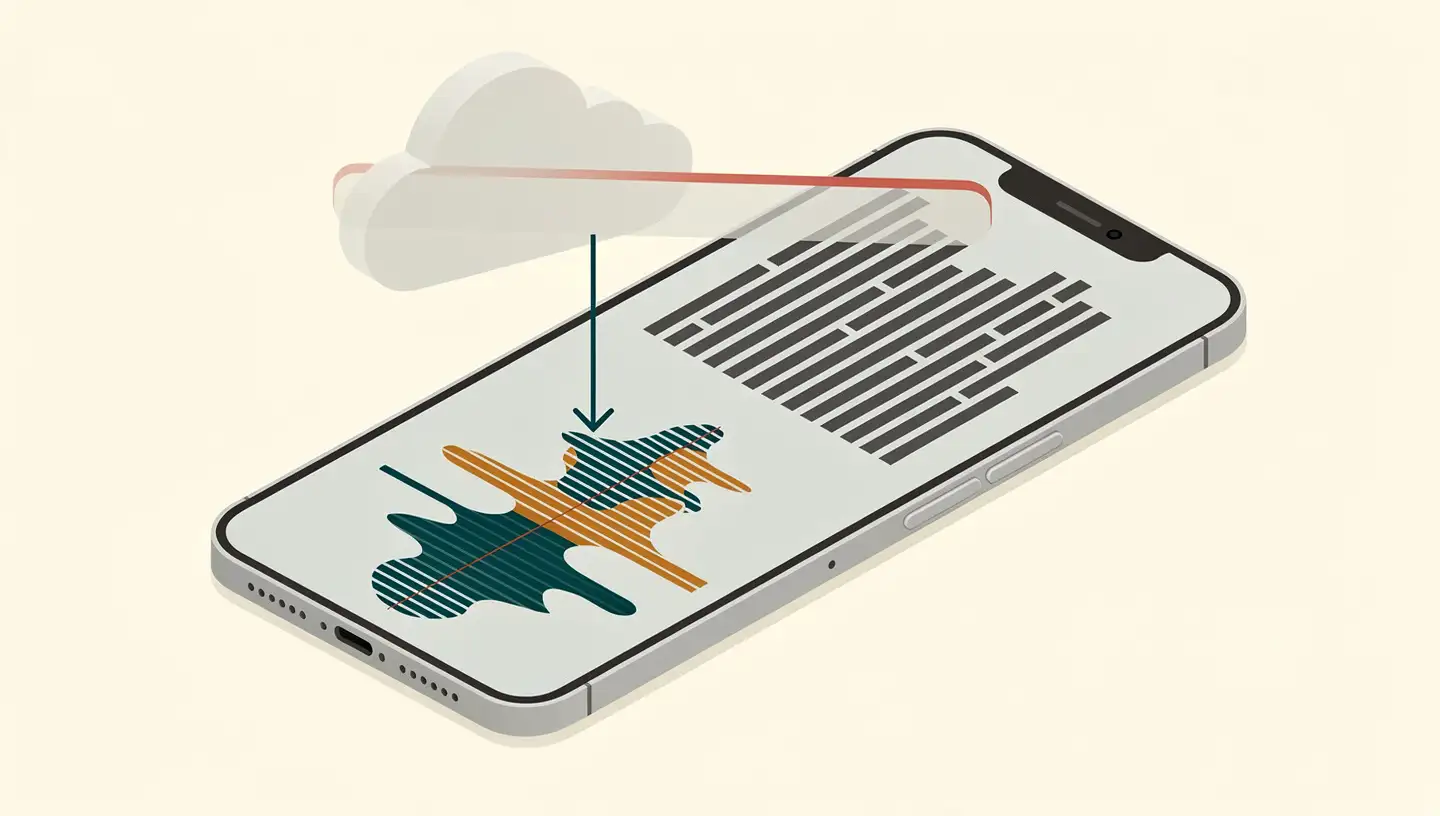
On-device voice transcription is speech-to-text technology that processes audio entirely on the user's phone, tablet, or computer — without uploading audio to any external server. Combined with RAG (Retrieval-Augmented Generation), transcribed voice memos become a searchable, queryable knowledge base that AI can answer questions over, with all data staying local.
AI-generated image
Why Voice Captures More Than Typing — and Why It's Usually Wasted
Voice memos are the highest-bandwidth input most people use casually. According to industry analysis, speech can be processed at 150–180 words per minute compared to typing at 80–120 words per minute — a 50–100% bandwidth advantage that comes without the cognitive load of fitting fingers to keys.
Alexander Embiricos, head of product for Codex at OpenAI, has called the underappreciated limiting factor to productivity not the AI model's capabilities but rather human typing speed — suggesting that on-device transcription's biggest contribution may be unblocking thought-capture for everything that follows.
The catch is what happens after capture. A voice memo recorded during a commute is useful only insofar as you can retrieve the right insight three weeks later. Without transcription, that recording is essentially write-only: you spoke it, it sits on your phone, you'll probably never find it again. The whole productivity benefit of voice-first input depends on the audio becoming searchable.
The Voice Memo Stack: Transcription + RAG, Explained
The pipeline that turns voice into searchable knowledge has four stages, all of which can run on-device:
Recording — capture the voice memo using the phone's microphone (the device you already use for casual notes)
On-device transcription — a local model (Whisper is the dominant choice) converts the audio to text, with word-level timestamps if needed for navigation
Indexing — the transcript is chunked and converted to vector embeddings, stored in a local index
RAG-based querying — when you ask a question, the system retrieves the most relevant transcript chunks and feeds them to a local LLM to generate a grounded answer
RAG is the addition that makes the system genuinely useful rather than just "search through transcripts." Retrieval-Augmented Generation optimises a language model's output by allowing it to reference an authoritative knowledge base outside its training data. RAG allows generative AI models to access external knowledge — such as internal organisational data, scholarly journals, and specialised datasets — enabling tools to create more accurate domain-specific content without further training.
For voice memos specifically, this means you can ask, "What did I say about the marketing strategy in March?" and get an actual answer drawn from the right transcript — not just a list of files containing the word "marketing." For more on the pipeline mechanics, see our on-device RAG primer.
On-Device vs Cloud Transcription: The Privacy Equation
The privacy contrast between cloud and on-device transcription is sharper than most people realise. Voice recordings are some of the most sensitive content people produce — meeting discussions, personal reflections, business strategy, medical and legal context. Cloud transcription means uploading every one of those recordings to a third-party service.
On-device AI ensures that user data never leaves the device, providing complete privacy while performing tasks such as summarising confidential documents or processing sensitive information. The Whisper Transcription app exemplifies this approach: it transcribes audio files locally using an on-device model, ensuring that private audio files are not sent to the cloud, with 100-language support and integration via share extensions from apps like iMessage and WhatsApp.
Cloud alternatives still have their place. Otter.ai — trusted by over 10 million users — offers real-time transcription for Zoom, Google Meet, and Microsoft Teams, with AI-generated summaries, outlines, and keywords after meetings. Fireflies.ai supports the same platforms with speaker detection and meeting insights. For team meetings where the recording is already shared and where real-time integration matters, cloud services genuinely add value.
For personal voice memos, voice-first journals, sensitive client recordings, or any audio you'd hesitate to upload to a third party, the on-device path is the cleaner default. Codewave's 2026 note-taking market analysis identifies privacy-first and on-device intelligence as emerging trends influencing the entire category, with users increasingly preferring tools that enhance data security while still providing efficient extraction and organisation.
Apps That Already Deliver Voice-to-Knowledge On-Device
The 2026 ecosystem of on-device voice apps has matured into several distinct categories.
Whisper Transcription (iOS) — runs OpenAI's Whisper model entirely on the device. Supports 100 languages. Provides a share extension that lets you transcribe voice memos from apps like iMessage, WhatsApp, or the standard Voice Memos app. Optional integration with AI tools for extracting key points and action items.
On-Device AI: TTS, STT & Agent (iOS) — runs local LLMs including Llama, Gemma, Phi, Qwen, and DeepSeek. Sensitive conversations, documents, and transcripts remain on the device unless the user explicitly opts to connect to a cloud provider. Records meetings, lectures, interviews, and voice notes, enabling a searchable knowledge library from the transcribed content. Exports in text, subtitles, or markdown.
AI Voice Recorder & Transcribe — uses advanced AI models including Whisper, ASR, and Nova-3 for high-accuracy transcription. Organises transcriptions into custom folders. Converts voice notes into organised to-do lists and highlights. The transcription engine updated to Deepgram Nova-3 has improved automatic language recognition.
EchoFind — a web app focused specifically on searching within voice memos. Built on OpenAI's Whisper model with word-level timestamps, it lets users upload an audio file and jump directly to the moment a specific word or phrase was spoken. Returns surrounding text and timestamp context, making long recordings genuinely navigable.
Each of these maps onto a different workflow. Whisper Transcription is the cleanest privacy-first transcription utility. On-Device AI extends transcription into a full local-LLM workflow stack. AI Voice Recorder is the most polished consumer app. EchoFind is for navigating long audio files where you need to find a specific moment.
How to Build the Workflow Yourself
The fully on-device voice-to-knowledge stack can be assembled from existing components. The high-level pattern:
Capture — record voice memos in any app that saves to a standard audio file (the default Voice Memos app works on iOS)
Transcribe — run the audio through a local Whisper model (via Whisper Transcription, On-Device AI, or a similar app); export the transcript as text or markdown
Index — pipe transcripts into a local knowledge base (Trilium, Obsidian, or a custom index — the same private-brain stack covered in our Android private-brain guide)
Query — use a local LLM (Gemma, Phi, Qwen via PocketPal or llama.cpp) with a local RAG index over the transcripts
For developers building this into an app, react-native-executorch is a library that lets React Native developers implement AI features without machine-learning expertise, with ExecuTorch as the underlying inference engine for edge deployment. Modern NPUs like the one in the iPhone 16 Pro deliver 35 trillion operations per second — enough headroom to run sophisticated language models and real-time transcription on-device. For the silicon side of that capability, see our Neural Processing Unit explainer. Quantization techniques can reduce model size by 50–75% while maintaining acceptable accuracy, which is what makes the whole stack practical on consumer hardware.
For a real-world automated example: one practitioner has built a system that processes voice memos automatically — using Wisprflow to record, instant transcription, and an automation system that organises the thoughts into actionable formats like newsletter briefs. The transcription step in that workflow uses cloud services; replacing it with Whisper Transcription or On-Device AI removes the cloud dependency without changing the rest of the pipeline.
Limitations and Trade-Offs
On-device voice-to-knowledge is real and useful — but the trade-offs are real too.
Accuracy versus accent and noise. Modern Whisper-based on-device transcription delivers near-human accuracy on clean speech. Smaller quantised models may struggle slightly with heavy accents, overlapping speakers, background noise, or technical terminology. Cloud models running larger Whisper variants handle these edge cases more reliably.
Hardware ceiling. Current generation NPUs (35 TOPS on iPhone 16 Pro) make on-device transcription practical, but older devices may run slower, struggle with larger models, or drain battery faster during long sessions. Quantization (which reduces model size by 50–75%) is what makes deployment feasible — but it does have some accuracy cost.
Local RAG indexing overhead. Maintaining fast retrieval across thousands of voice memos requires efficient embedding generation and storage. Initial indexing of a large back catalogue is slow; incremental updates as new memos are added are fast.
No real-time meeting integration. Cloud tools like Otter.ai integrate directly with Zoom, Google Meet, and Microsoft Teams for live transcription. On-device workflows typically run on saved audio files, not live meeting streams (yet). For meeting recording specifically, cloud tools still own the live-collaboration story.
Feature ceiling versus cloud. Cloud transcription services include team collaboration, real-time summaries during meetings, and platform integrations that on-device tools generally don't replicate. For private voice memos this rarely matters; for team meetings it sometimes does.
Frequently Asked Questions
What is on-device voice transcription?
On-device voice transcription is speech-to-text technology that processes audio entirely on your phone, tablet, or computer — without uploading the audio to any external server. The audio file, the transcript, and the AI model all stay on the device. OpenAI's Whisper and similar models can run locally, supporting transcription of voice memos, meetings, and recordings without cloud dependency.
How is on-device transcription different from cloud transcription like Otter.ai?
Cloud tools like Otter.ai upload audio to remote servers for processing — convenient but exposes the recording to transit and storage risk. On-device transcription processes audio locally, so the file never leaves your device. Cloud services often offer broader features (real-time collaboration, meeting integration); on-device apps prioritise privacy and offline access.
What does RAG add to voice memo transcription?
Retrieval-Augmented Generation (RAG) lets you ask natural-language questions across your transcribed voice memos and get grounded answers — for example, what did I say about the marketing strategy in last week's commute memo. RAG indexes the transcripts as a searchable knowledge base, then uses a language model to retrieve relevant passages and generate a response.
Which apps transcribe voice memos entirely on-device?
Whisper Transcription on iOS runs OpenAI's Whisper model locally and supports 100 languages. On-Device AI: TTS, STT & Agent runs local LLMs (Llama, Gemma, Phi, Qwen, DeepSeek) for transcription and AI workflows. AI Voice Recorder & Transcribe uses Whisper, ASR, and Nova-3 for transcription with custom folder organisation.
How accurate is on-device transcription compared to cloud?
Modern Whisper-based on-device transcription delivers near-human accuracy with word-level timestamps. Smaller quantised models may struggle slightly with accented speech, background noise, or technical terminology compared to cloud tools running larger models. For most voice memos, dictation, and personal recordings, on-device accuracy is production-quality.
Conclusion
Voice has always been the higher-bandwidth way to capture ideas — 50–100% faster than typing, with none of the cognitive cost of formatting. What's been missing is the back half of the workflow: making those recordings retrievable. On-device transcription plus RAG fills that gap with a stack that's entirely local: Whisper (or Whisper-compatible models) for transcription, a local vector index, a local LLM for query handling.
For private voice memos — personal reflections, business strategy, client recordings, anything you wouldn't want uploaded — the on-device path is now the clean default. The apps exist (Whisper Transcription, On-Device AI, AI Voice Recorder, EchoFind). The hardware is here (iPhone 16 Pro at 35 TOPS, similar capability on flagship Android). The frameworks are here (ExecuTorch, react-native-executorch, llama.cpp). The only thing left is choosing a workflow and starting to record.
The fastest input you have is already in your pocket. The on-device stack is what finally makes the output worth the input.