Your Private, Offline AI Assistant.
Take notes and chat with a smart AI agent directly on your Android device. No cloud, completely private, and 100% free.
download
Offline AI Apps for Android: 8 Free Picks for 2026
Layla AI runs a 7-billion-parameter language model entirely on your phone — no internet required. Google's AI Edge Gallery does the same with Gemma 4 and adds offline real-time audio transcription. Google Translate ships offline support for 59 languages, including camera and conversation modes. The category of "free Android AI apps that actually work without a connection" has finally matured into a real shortlist.
Quick Answer: Eight free Android AI apps with genuine offline capability in 2026: DeepSeek AI Assistant for general chat and reasoning, Layla AI for a 7B-parameter on-device LLM, Offline AI: Local Assistant (Genzopia) for lightweight chat with voice input, Google AI Edge Gallery for Gemma 4 with on-device reasoning and Audio Scribe, Private Notes for local semantic search and on-device RAG over your personal notes, SDAI for offline Stable Diffusion image generation, Offline Language Translator (59 languages), and Google Translate (59 offline languages plus camera and conversation modes). All free, all functional without an internet connection.
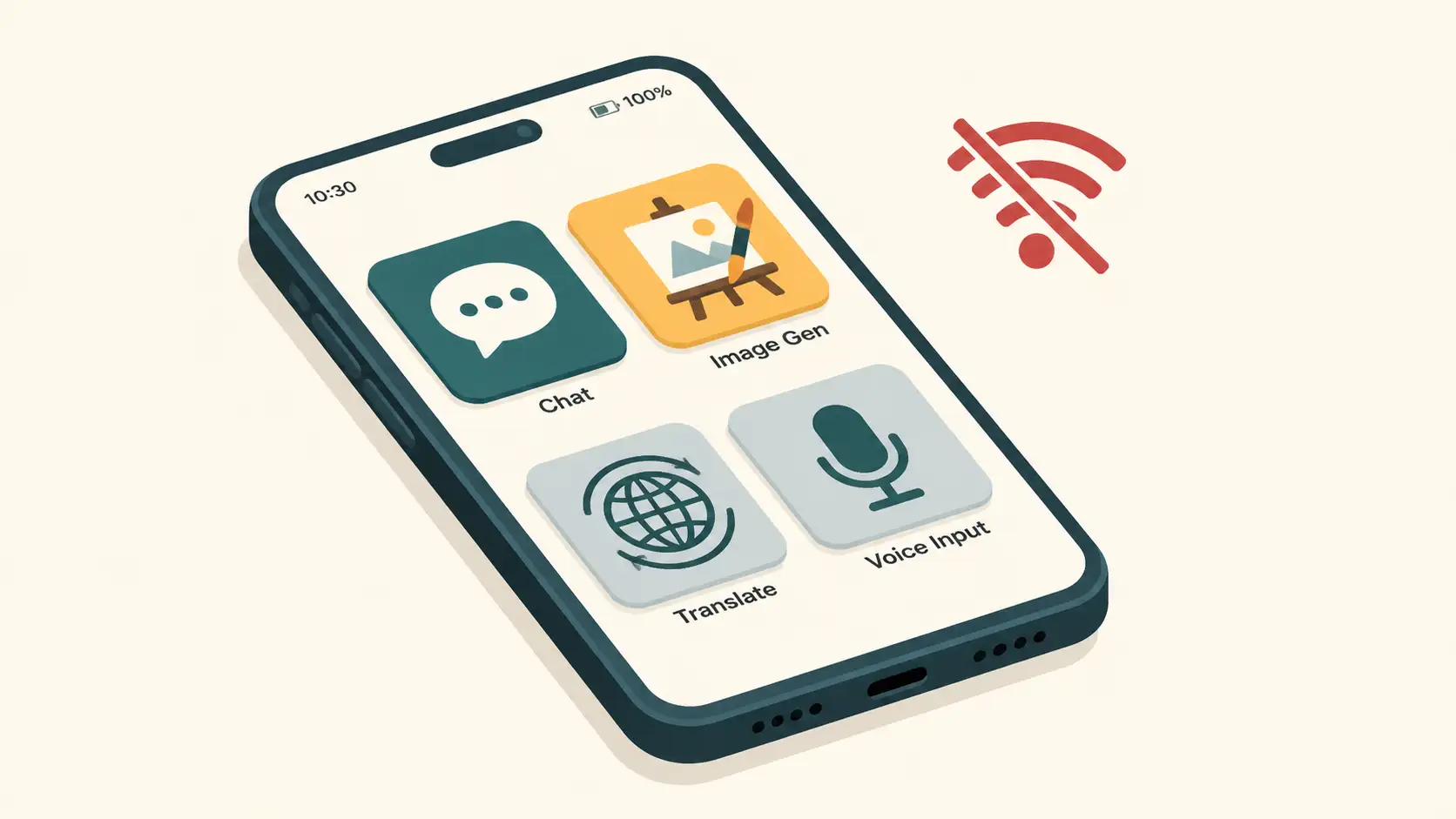
An offline AI app is an Android application that performs artificial intelligence tasks — text generation, image synthesis, speech recognition, translation, OCR — directly on the device's processor, without sending data to external servers or requiring an active internet connection. Once installed (and any required model files downloaded), the app runs entirely on-device.
AI-generated image
What Counts as a Genuine Offline AI App?
Three properties separate "genuinely offline" from "offline mode marketing":
Model lives on-device — the actual AI weights are stored locally; no inference traffic goes to a server
Core features work without connectivity — chat, generation, translation, or whichever capability the app delivers all run on the phone
No telemetry of prompts or content — what you ask and what the AI produces stay on the device
Several apps require an initial download (the app binary and, for some, large model files) before they work fully offline. That's expected and acceptable — the meaningful question is what happens once everything is installed.
The seven apps below all meet those criteria, with research-backed coverage of their offline capabilities. For background on what these models actually are and how they run, see our local LLM on phone benchmark guide.
On-Device AI Assistants
1. DeepSeek AI Assistant
DeepSeek AI Assistant has crossed 50 million downloads on Google Play. It's free, with seamless interaction powered by its flagship model. Users report it provides in-depth explanations and understands queries well, making it useful for problem-solving and productivity without requiring an internet connection.
Strengths: Massive user base, strong reasoning, free.
Best for: General-purpose Q&A and reasoning on Android.
2. Layla AI
Layla AI is one of the most capable offline-first chat apps in the Android ecosystem. The app runs entirely on-device without requiring an internet connection, ensuring complete privacy and no censorship. Layla has a file size of 4 GB, is trained on 45 TB of data, and uses a 7-billion-parameter model — running that model on consumer hardware is the technical achievement that makes Layla worth installing despite the storage hit.
The free version is functionally limited but can chat, generate short stories, answer questions, and impersonate celebrities or fictional characters. For a serious offline LLM experience on a phone, Layla is the closest thing to "ChatGPT in your pocket, no Wi-Fi" currently available.
Strengths: 7B-parameter on-device model, no censorship, full offline operation.
Best for: Users wanting a capable LLM with no server roundtrip.
3. Offline AI: Local Assistant (Genzopia)
The Offline AI: Local Assistant app (also listed as "Free AI: Offline ChatBot") lets users chat, ask questions, and receive intelligent answers without an internet connection. Voice input lets you interact by speaking rather than typing, which is genuinely useful for accessibility.
As of mid-May 2026, the app has over 50,000 downloads — a much smaller user base than DeepSeek but a focused, lightweight option. The app is designed for users who want to learn English, practice conversations, or get assistance with writing and homework.
Strengths: Lightweight, fast, voice input, ideal for English-learning and writing help.
Best for: Conversational practice and quick offline Q&A.
4. Google AI Edge Gallery (Gemma 4)
Google's official Android offline AI app. AI Edge Gallery lets users run powerful open-source LLMs entirely offline, with 100% on-device privacy — no data is sent to external servers at any time. As of May 19, 2026, the app features Gemma 4, which supports advanced reasoning and creative capabilities without an internet connection.
Two standout features:
Audio Scribe — real-time transcription and translation of voice recordings into text, directly on the device
Ask Image — uses the camera or photo gallery to identify objects and provide detailed descriptions, fully offline
For broader background on the agent capabilities Gemma 4 supports, see our on-device AI agents explainer. For more on what Gemma 4 specifically can do on Android, see our Gemma Android app review.
Strengths: Google-backed, Gemma 4, audio + image features, strict privacy model.
Best for: Users who want Gemma 4 reasoning plus multimodal AI offline.
Offline Knowledge Management & Notes
5. Private Notes
Private Notes brings the power of local RAG (Retrieval-Augmented Generation) directly to your Android phone. Built to run entirely on-device using highly optimized models like Gemma, this app lets you create, import (CSV and TXT), and semantically search your personal notes without a single byte leaving your phone.
What makes Private Notes stand out is its ability to "chat" with your own data. Because it generates local embeddings on your device, you can ask your AI assistant to summarize, rewrite, or find specific details buried in your notes without relying on a cloud server. It also features a fully offline Voice Mode—using on-device speech-to-text to capture thoughts hands-free, and text-to-speech to read notes aloud during a commute. There are no accounts, no registrations, and absolutely zero cloud backups.
Strengths: Semantic search across personal data, native Gemma support, offline voice mode, 100% private.
Best for: Privacy-conscious professionals and thinkers who want to "chat" with their personal knowledge base offline.
Offline AI Image Generation
6. SDAI (Stable Diffusion Android)
SDAI is an open-source AI image generator distributed via F-Droid. The app uses Local Diffusion, allowing users to create high-quality images offline. It supports flexibility in the AI generation provider — cloud or local — giving users control over their creative process. The user interface is designed for both beginners and experts.
After the initial app install, SDAI requires downloading Stable Diffusion model files to function fully offline. Once those are in place, image generation runs entirely on-device. Performance scales with hardware: newer phones with more RAM produce images noticeably faster, and image generation is computationally intensive enough that older devices may struggle.
Strengths: Open-source, F-Droid distribution, real Stable Diffusion offline.
Best for: AI art enthusiasts who want creative tools without cloud submissions.
Offline Translation Apps
7. Offline Language Translator
Supports offline translation for 59 languages — useful for travel and connectivity-limited environments. Features include voice recognition for all supported languages, voice broadcasting for 47 languages, and image text detection so you can translate text captured by the camera, even when offline. The app has crossed 1 million downloads.
Strengths: 59-language offline support, voice and image input, established user base.
Best for: Travellers who want a focused, no-frills offline translator.
8. Google Translate
Google Translate is the broadest translation tool with offline mode. It supports translation between up to 249 languages online, with 59 languages available offline. Offline-capable features:
Instant camera translation — point the camera at text, get translation, no internet required
Imported photo translation — higher-quality offline translation by importing photos
Handwriting input — draw text characters instead of typing, supported in 96 languages offline
Conversation mode — real-time bilingual conversation translation in 70 languages, offline
Voice translation — dictate spoken words and phrases for offline translation
For a deeper look at offline language workflows including Apple's on-device Live Translation and dedicated language-learning apps, see our offline language learning guide.
Strengths: Most comprehensive offline translation feature set available.
Best for: Anyone who needs reliable cross-language communication abroad.
Comparison: 8 Offline AI Apps for Android
App | Category | Key Offline Feature | Notable Detail |
|---|---|---|---|
DeepSeek AI Assistant | General chat / reasoning | Flagship LLM responses offline | 50M+ downloads |
Layla AI | LLM chat | 7B-parameter model on-device | 4 GB app, 45 TB training data |
Offline AI: Local Assistant | Chat / English practice | Voice input + Q&A offline | 50K+ downloads, lightweight |
Google AI Edge Gallery | Multimodal LLM | Gemma 4 + Audio Scribe + Ask Image | 100% on-device privacy |
Private Notes | Productivity / Notes & Knowledge Management | Semantic search & RAG over local notes | Built-in offline voice mode; Gemma support |
SDAI | AI image generation | Stable Diffusion offline | F-Droid, open-source |
Offline Language Translator | Translation | 59 languages, voice + camera | 1M+ downloads |
Google Translate | Translation | 59 offline languages, conversation mode | 70-language conversation mode |
Limitations and What to Expect
Offline AI on Android is real and useful in 2026, but the trade-offs are real too.
Storage. Layla AI alone is around 4 GB. Stable Diffusion model files for SDAI are typically several gigabytes each. If you install multiple offline AI apps with their model files, expect 10+ GB of phone storage consumed.
Initial download. Several of these apps need an internet connection for the first install and (in some cases) to download model weights. Once the models are on the device, inference is fully offline.
Battery and heat. Running AI models locally draws more battery than typical apps, particularly during compute-heavy tasks like image generation in SDAI or extended Audio Scribe transcription. Expect the phone to warm up during sustained sessions.
Capability ceiling. On-device models are smaller than their cloud counterparts. For complex multi-step reasoning, research-heavy tasks, or requests requiring up-to-date world knowledge, cloud AI still has the edge. The trade is real — you give up some capability to get privacy, reliability, and zero data cost.
Offline language coverage is narrower than online. Google Translate supports 249 languages online but only 59 offline. For less-common language pairs, verify offline availability before relying on it. Offline Language Translator likewise has more limited vocabulary for less common languages.
Manual updates. Unlike cloud AI which improves silently, offline app updates require manual download — and not every app updates its underlying model on a regular cadence.
For a more comprehensive look at building a full on-device AI workflow on Android (notes, transcription, RAG over your documents), see our private brain on Android guide.
Frequently Asked Questions
What are the best free offline AI apps for Android in 2026?
Eight Android apps offer real offline AI capability for free in 2026: DeepSeek AI Assistant, Layla AI, Offline AI: Local Assistant (Genzopia), Google AI Edge Gallery (Gemma 4), Private Notes, SDAI (Stable Diffusion Android), Offline Language Translator, and Google Translate. They cover chat, reasoning, image generation, translation, voice input, and OCR, and semantic search over personal notes — all with no internet required.
Do any of these AI apps work truly offline without a connection?
Yes. Layla AI runs a 7B-parameter LLM on-device with no server calls. Google AI Edge Gallery operates with 100% on-device privacy — no data leaves the device. Google Translate's offline mode supports 59 languages with camera, voice, and conversation translation. SDAI runs Stable Diffusion locally. The initial app install (and any large model files) requires internet, but all inference runs offline.
Which offline AI app is best for translation?
Google Translate has the broadest offline coverage — 59 languages, camera translation, conversation mode for 70 languages, and handwriting input for 96 languages, all working without internet. Offline Language Translator covers 59 languages with voice recognition and voice broadcast for 47 languages. Choose Google Translate for the widest feature set; Offline Language Translator for a focused alternative.
Can I generate AI images offline on Android?
Yes. SDAI (Stable Diffusion Android) is an open-source AI image generator on F-Droid that runs Stable Diffusion entirely on-device using Local Diffusion. After the initial download of model files, image generation works without internet. Performance depends on your phone's hardware — newer devices with more RAM produce images noticeably faster.
What are the storage and battery trade-offs of offline AI apps?
Offline AI apps require significant storage — Layla AI alone is around 4 GB. Running AI models locally also draws more battery than typical apps, especially during compute-heavy tasks like image generation or extended conversation. Expect manual updates (no automatic model improvements), and check whether your phone has sufficient RAM and storage before committing to multiple offline AI apps.
Can I use AI with my personal notes offline?
Yes. Private Notes is an Android app specifically designed for offline knowledge management. It imports your text files, creates local embeddings, and uses on-device models like Gemma to let you "chat" with your own notes (a process called RAG). Because it relies entirely on local processing, your personal data never touches a cloud server.
Conclusion
The 2026 list of genuinely offline Android AI apps is shorter than the marketing would suggest — but the apps that do work, work well. Layla AI for serious offline LLM chat. DeepSeek for general reasoning at scale. Google AI Edge Gallery for Gemma 4 reasoning plus on-device transcription and image understanding. Private Notes for securely chatting with your own personal knowledge base. SDAI for offline Stable Diffusion. Google Translate and Offline Language Translator for travel-grade translation in 59 languages.
For privacy-conscious users, travellers in low-connectivity regions, and anyone tired of cloud AI subscriptions, these eight apps cover most of the practical offline AI use cases on Android in 2026. Pair them with the broader on-device stack — local models, RAG over your own documents, on-device transcription — and you have a real privacy-respecting AI workflow that doesn't depend on the cloud.