Your Private, Offline AI Assistant.
Take notes and chat with a smart AI agent directly on your Android device. No cloud, completely private, and 100% free.
download
Offline AI Chat Apps for Android: Best Picks of 2026
Layla's Llama2 7B model is ranked #7 on the Open LLM Leaderboard, running locally in 2–4 GB of phone storage. DeepSeek's offline assistant has crossed 50 million downloads. Google's Gemma 4 4B fits in roughly 3–4 GB of storage and 6 GB of RAM. The offline AI chat app category on Android in 2026 is no longer experimental — it's a shortlist of credible production apps with real benchmark numbers.
Quick Answer: Offline AI chat apps for Android run language models entirely on your device — no internet required after the initial model download. The 2026 shortlist: DeepSeek (50M+ downloads, free), Layla (Llama2 7B, ranked #7 on Open LLM Leaderboard, $14.99 one-time), Offline AI Chat (Gemma/Llama/Phi, free, zero tracking), Colloqio (mood-tracking journaling), Chat AI (10M+ downloads, multi-task), d.ai (RAG over personal files, Gemma/Mistral/LLaMA), and Google AI Edge Gallery (Gemma 4 1B/4B/12B variants). Hardware floor: 4 GB RAM for small models, 8 GB+ for serious chat.
An offline AI chat app for Android is a mobile application that runs a large language model directly on the user's Android device — using the phone's CPU, GPU, or NPU — rather than sending queries to remote servers. The app downloads its model during initial setup (typically 2–4 GB) and then operates fully offline, executing all conversations and inference locally.
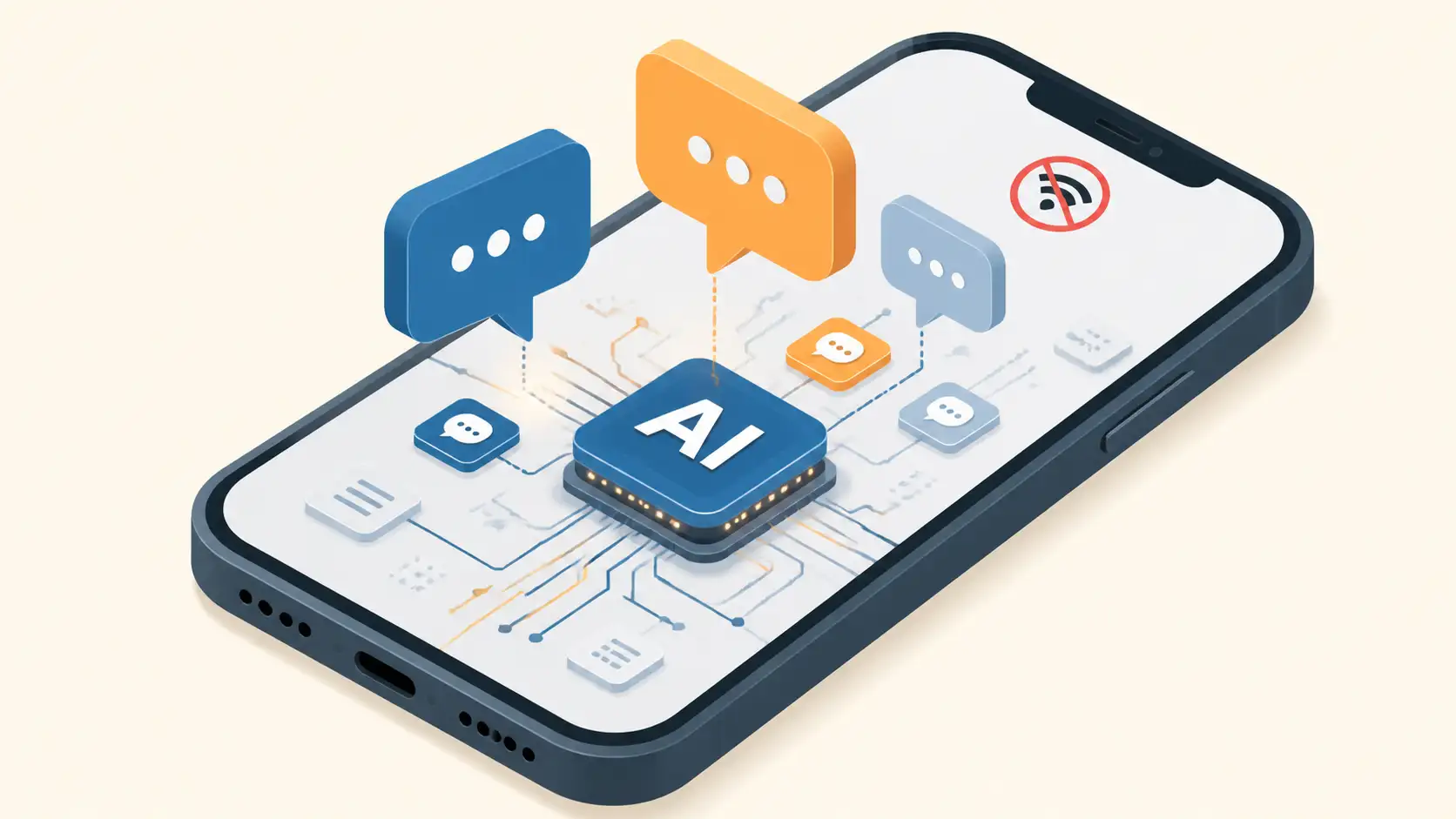
AI-generated image
What Makes an Offline AI Chat App "Genuinely Offline"?
Two minimum criteria separate genuinely offline chat apps from "offline mode" marketing:
The model weights live on the device. After the initial download (typically 2–4 GB), no inference traffic goes to a server.
Core chat works without connectivity. Conversations generate locally; nothing about the dialog leaves the device.
A third property — privacy by default — falls out naturally when 1 and 2 are met: if no data reaches a server, no data can be stored, analysed, or used for training. Local AI models enhance user privacy precisely because the data they process never leaves the device, isn't used for training or advertising, and protects sensitive information during use.
This guide focuses specifically on conversational AI chat apps. For broader offline AI categories (image generation, translation, voice assistants, writing tools), see our free offline AI app category guide.
Top Offline AI Chat Apps for Android in 2026
1. DeepSeek AI Assistant — Free, Mainstream, 50M+ Downloads
DeepSeek is the most-installed free offline AI chat app on Android, with over 50 million downloads as of May 2026. The app is powered by DeepSeek's latest flagship model and provides faster responses with powerful features for problem-solving. The official AI assistant allows seamless interaction.
Data privacy notes: DeepSeek may share data types such as device or other IDs and location; data is encrypted in transit; and users can request data deletion.
Strengths: Free, massive user base, capable reasoning, clear data-deletion path.
Best for: Mainstream users who want a free, popular offline-capable assistant.
2. Layla — The Capability Leader ($14.99 One-Time)
Layla is the most capable on-device chat app available on Android. It runs completely on your phone without sending any data or conversations anywhere. The app downloads a 2–4 GB model during its first startup — the only time it requires an internet connection. After that, it operates entirely offline.
Layla offers two versions:
Full version — uses the Llama2 7B model, requires more than 8 GB of RAM on the phone
Lite version — uses the Open Llama 3B model, designed for older devices
The Layla Full version ranks #7 on the Open LLM Leaderboard for 7B models, demonstrating strong performance among offline AI chat applications. Calculations run directly on the phone's CPU — no cloud computing involved.
Pricing: $14.99 USD one-time payment, with free future updates for added local features.
Strengths: Highest-quality offline chat experience on Android, no subscription, strong privacy guarantees.
Best for: Users who want serious offline chat capability and don't mind a one-time purchase.
3. Offline AI Chat – Local LLM — Free with Model Choice
Offline AI Chat (com.freeai.chat) lets users chat with powerful AI models running entirely on the device. The app supports Android 10 or higher and requires a minimum of 6 GB of RAM, with 8 GB or more recommended for optimal performance.
After downloading the 15 MB app, users allocate 2–5 GB of additional storage for AI models. The app features multiple model choices including Gemma, Llama, and Phi — letting users pick a balance of speed and response quality matched to their device. The app guarantees zero data collection or tracking.
Strengths: Free, multiple model choice, strict privacy, transparent setup requirements.
Best for: Users who want to compare different open-source models on the same device.
4. Colloqio — Offline AI with Memory and Mood Tracking
Colloqio is an offline AI chat application that runs entirely on the device, ensuring conversations are processed locally without any data collection or tracking, providing 100% privacy. The app enables meaningful conversations, mood tracking through an intelligent journaling feature, and offline responses.
The distinctive feature: Colloqio is designed to remember user preferences, interests, goals, important dates, and previous conversations — enabling personalised interactions over time. Fast responses without server delays make it suitable for travel or locations without connectivity.
Strengths: Personal memory across conversations, mood tracking, journaling integration.
Best for: Users who want a long-term AI companion that remembers context across sessions.
5. Chat AI: Ask Agent Anything — Multi-Tool with 10M+ Downloads
Chat AI: Ask Agent Anything, developed by Deep Flow Apps, has achieved over 10 million downloads on Google Play. The app includes AI-powered writing assistance, image generation, language learning tools, and smart summary functions. Users can ask questions across a wide range of topics, receive recommendations, and explore educational content.
Strengths: Multiple AI capabilities beyond pure chat, large user base, broad task coverage.
Best for: Users who want one app that handles chat plus writing assistance and summaries.
6. d.ai - RAG Over Your Personal Files
The d.ai app is an offline AI assistant for Android that lets users chat with large language models like Gemma, Mistral, and LLaMA directly on the device — no internet, accounts, or cloud storage required. The standout features:
Long-term memory across conversations
Unlimited chat history stored locally
Retrieval-augmented generation (RAG) on personal files — ask the model questions about your own documents
Optional Wikipedia fallback for additional online reference when you opt in
The RAG-over-personal-files capability is the differentiator - d.ai is one of the few Android offline AI chat apps that grounds responses in your own documents rather than just the model's training data. For background on how this technique works, see our on-device RAG primer.
Strengths: RAG over personal files, long-term memory, multi-model support.
Best for: Users who want to chat with an AI grounded in their own documents.
7. Google AI Edge Gallery - Official Gemma 4 Offline
Google AI Edge Gallery is the official open-source Android app for running Gemma models locally. It requires Android 10 or later.
Gemma 4 is Google's latest generation of open-weight language models, released at Google I/O 2025, designed to be downloaded and run locally on consumer hardware with no internet, API keys, or cloud costs.
Installation caveat: AI Edge Gallery is not on the Google Play Store. Users must sideload the app by allowing installations from unknown sources. For more on Gemma 4 specifically and what it can do on Android, see our Gemma Android app review.
Strengths: Official Google models, open source, multiple capability tiers.
Best for: Users who want Gemma 4 directly and don't mind sideloading.
Open-Source Tools: llama.cpp, Whisper, Mistral
The open-source ecosystem behind these apps is worth understanding — it explains why several Android chat apps can offer similar capabilities.
llama.cpp
The llama.cpp project enables local LLM inference in pure C/C++ with state-of-the-art performance on various hardware, including Android. Users install it via pre-built binaries, Docker, or building from source. Compatible models come from Hugging Face or manual downloads, in the GGUF format.
llama.cpp supports multiple architectures (Apple Silicon, NVIDIA GPUs, AMD GPUs) and provides 1.5-bit to 8-bit integer quantization — the technique that makes it possible to run multi-billion-parameter models on phones with limited RAM. For a deeper comparison of llama.cpp against other inference runtimes (Ollama, LM Studio).
Whisper and Mistral
For voice input, Whisper Tiny — the smallest variant of OpenAI's Whisper speech recognition models with only 39 million parameters — is small enough to run alongside an offline chat model on a phone. For a deeper dive on on-device voice workflows, see our searchable voice memos guide.
Mistral 7B Instruct v0.3, a flagship from French start-up Mistral AI, is designed to manage chatting, question answering, and summarisation. It's one of the model options users can load into d.ai and similar apps that support multiple model architectures.
The Box App: A Stack-Level Example
The Box app demonstrates what an all-in-one offline AI stack looks like:
llama.cpp for GGUF LLM inference
whisper.cpp for on-device speech-to-text
stable-diffusion.cpp for offline image generation
Hardware-accelerated, no cloud service, no accounts
Box features include voice-to-voice conversation via streaming hands-free loops, and document ingestion into context directly from local files — letting users query their stored documents using natural language. Whisper.cpp is identified as the most stable speech-to-text layer for fully offline AI applications.
Hardware Requirements: RAM, Storage, and Performance
Running AI models locally on Android requires careful attention to hardware specs. The specific numbers from real apps and benchmarks:
RAM by Model Size
Model | RAM Required | Typical Devices |
|---|---|---|
Gemma 4 1B | 4 GB minimum | Mid-range Android phones |
Gemma 4 4B | 6 GB min, 8 GB recommended | Pixel 7 series, Samsung S23+ |
Open Llama 3B (Layla Lite) | Targets older devices | Phones with 4–6 GB RAM |
Llama2 7B (Layla Full) | 8 GB+ required | Recent flagships |
Gemma 4 12B | 12 GB required | High-end flagships only |
Storage Footprint
Offline AI Chat: 15 MB app + 2–5 GB models depending on choice.
Layla: 2–4 GB model downloaded on first start.
Gemma 4 4B via AI Edge Gallery: 3–4 GB storage required.
Real Performance Benchmarks
Two grounded data points from community testing:
Samsung S24 Ultra (12 GB RAM) running Phi-2 3B on MLC Chat: ~3 tokens per second
Surface 11 Pro (Snapdragon X 10-core processor) running llama 7B Q4_0 (3.56 GiB) via llama.cpp: 66.63 tokens per second with 12 threads (pp512 test)
Newer Qualcomm chips can provide faster CPU-only performance than Apple's M2 MacBook Air for certain llama.cpp tasks. For deeper performance context across phone hardware, see our local LLM on phone benchmark guide.
Offline vs Cloud Chatbots: Honest Trade-Offs
Choosing between offline and cloud isn't binary — both have real advantages.
Where Offline Wins
Privacy. Data never leaves the device. No training data extraction, no profile-building, no breach surface.
Reliability. Works on flights, in remote areas, during network outages — anywhere connectivity fails.
Latency. Local inference avoids the cloud round-trip; responses arrive immediately.
Cost. No per-query API fees; the only cost is the app (free or one-time) and electricity.
Censorship resistance. Local models don't enforce content filters mandated by a vendor's terms of service.
Where Cloud Still Wins
Capability ceiling. Cloud models with hundreds of billions of parameters handle complex reasoning, multi-document research, and frontier-grade tasks better than 7B–13B local models.
Current information. Cloud models can browse the web; local models are frozen at their training data cut-off.
Smaller storage and RAM demands on the device. Cloud-only apps don't need 4 GB of phone storage per model.
Automatic updates. Cloud models update silently; local models require manual download.
When Either Works
Local 7B–13B models perform everyday tasks effectively — summarisation, question answering, writing assistance, brainstorming, language learning. For most personal-use chat, the offline option is the better default. For research-heavy professional work, complex multi-step reasoning, or current-events queries, cloud is the right tool.
Limitations and Challenges
Even the best 2026 offline chat apps face real constraints.
Hardware compatibility issues. Some users report crashes and model loading failures when trying to run models like Phi-2, Redpajama3B, or mistral7b-Instruct-0.2 on MLC Chat on Snapdragon 8 Gen 3 devices. Mobile hardware diversity makes universal compatibility hard.
Capability ceiling. Local 7B–13B models handle daily tasks but struggle with highly specialised queries, multi-document synthesis, and recent-knowledge questions. Larger cloud models still outperform on these.
Performance variability. Inference speed varies by hardware. A flagship Samsung S24 Ultra at 12 GB RAM achieves ~3 tokens per second with Phi-2 3B on MLC Chat — usable but not snappy. Older devices may struggle to load larger models at all.
Model file management. Users must obtain and manage GGUF-format model files — straightforward once you know where to look (Hugging Face is the primary source), but a learning curve for users new to local AI.
Sideloading risks. Google AI Edge Gallery requires sideloading, which means enabling installations from unknown sources — a security consideration for less technical users.
Storage and battery. Multiple offline chat apps with their models can consume 10+ GB of phone storage. Running models locally also draws more battery than typical apps, particularly during long sessions.
For broader on-device AI hardware context, see our on-device AI agents explainer which covers the RAM ceiling problem in detail.
Decision Framework: Which App for Which Use Case
App | Best For | RAM | Pricing |
|---|---|---|---|
DeepSeek | Mainstream free chat | 6 GB+ | Free |
Layla Full | Highest capability offline | 8 GB+ | $14.99 one-time |
Layla Lite | Older devices, intimate chat | 4–6 GB | $14.99 one-time |
Offline AI Chat | Model comparison, multi-model | 6 GB min, 8 GB+ rec. | Free |
Colloqio | Long-term memory, journaling | Varies | Free + premium |
Chat AI | Multi-task (chat + writing + summaries) | Varies | Free + premium |
d.ai | RAG over personal files | Varies | Free |
AI Edge Gallery + Gemma 4 1B | Low-RAM phones | 4 GB | Free (sideload) |
AI Edge Gallery + Gemma 4 4B | Most modern Android | 6–8 GB | Free (sideload) |
Quick Picks
Maximum quality, willing to pay once: Layla Full
Free and well-supported: DeepSeek or Offline AI Chat
Want RAG on your own documents: d.ai
Long-term personal assistant: Colloqio
Use Google's open models directly: Google AI Edge Gallery + Gemma 4
Low-RAM phone: Gemma 4 1B via AI Edge Gallery, or Layla Lite
Frequently Asked Questions
What is an offline AI chat app for Android?
An offline AI chat app for Android runs a language model directly on your device — using the phone's CPU, GPU, or NPU — rather than sending queries to remote servers. The app downloads its model during initial setup (typically 2–4 GB) and then operates fully offline. All conversations and inference happen locally with no data leaving the device.
Which is the best offline AI chat app for Android in 2026?
For capability: Layla (Llama2 7B, ranked #7 on the Open LLM Leaderboard, $14.99 one-time). For free and popular: DeepSeek (50M+ downloads). For multi-model choice: Offline AI Chat (Gemma, Llama, Phi). For journaling and personalisation: Colloqio. For RAG over personal files: d.ai. For Google's models directly: AI Edge Gallery with Gemma 4.
How much RAM does an offline AI chat app need?
Small models (Gemma 4 1B) work on phones with 4 GB of RAM. Most modern chat apps need 6 GB minimum, 8 GB recommended. Layla's 7B full version needs more than 8 GB of RAM, while the lite version (Open Llama 3B) targets older devices. Gemma 4's 12B model requires 12 GB of RAM — currently only available on high-end Android flagships.
Are offline AI chat apps actually free?
Most are free. DeepSeek, Offline AI Chat, d.ai, Chat AI, and Google AI Edge Gallery cost nothing to install. Layla is the notable exception — a $14.99 one-time payment with free future updates and no subscription. Free apps may include optional paid features. None of these charge per-query API fees because all inference runs locally.
Can offline AI chatbots match cloud AI like ChatGPT?
Not quite, but the gap is narrowing. Local 7B–13B parameter models can handle everyday tasks — summarisation, Q&A, writing assistance — effectively. Cloud models like ChatGPT use far larger architectures with broader knowledge and stronger reasoning. For privacy-sensitive personal chat, the offline option is the better default; for frontier reasoning and current events, cloud still wins.
Conclusion
The offline AI chat app category on Android in 2026 has crossed the line from experimental to credible. Seven apps cover almost every use case: DeepSeek for mainstream free chat, Layla for capability-first paid chat, Offline AI Chat for multi-model experimentation, Colloqio for memory and journaling, Chat AI for multi-task assistance, d.ai for RAG over personal files, and Google AI Edge Gallery for direct Gemma 4 access.
The trade-offs are real and worth naming clearly: 7B–13B local models don't match frontier cloud models on complex reasoning. Hardware floors (4 GB RAM for the smallest models, 8 GB+ for serious chat) leave older phones out. Sideloading and GGUF model management add friction for non-technical users. And inference speed on phones — even the S24 Ultra at 12 GB RAM clocking ~3 tokens per second with Phi-2 3B — is real-time-feeling but not always cloud-fast.
But for privacy-sensitive personal chat, for travellers in low-connectivity regions, and for anyone tired of subscription AI, the offline option is now the better default rather than a fallback. Pick the app whose feature set matches your priorities. Install once. Chat without leaking.